Uni-Probe LB 490
BERTHOLD TECHNOLOGIES GmbH & Co. KG
3 – 341
Volume 3 4 Calibration
3
4 Calibration
Prerequisites for calibration with
the HART
®
Communicator
– The Level Gauge Uni-Probe LB 490 has to be installed and
connected correctly (see Volume 2, sections 2 and 3).
–The HART
®
Communicator has to be connected correctly.
4.1 Preparing Calibration
For correct calibration of the measuring system, you have to ensure
that the detector and basic settings of the Uni-Probe are correct.
Turn the power supply for the Uni-Probe on.
Turn the HART
®
Communicator on.
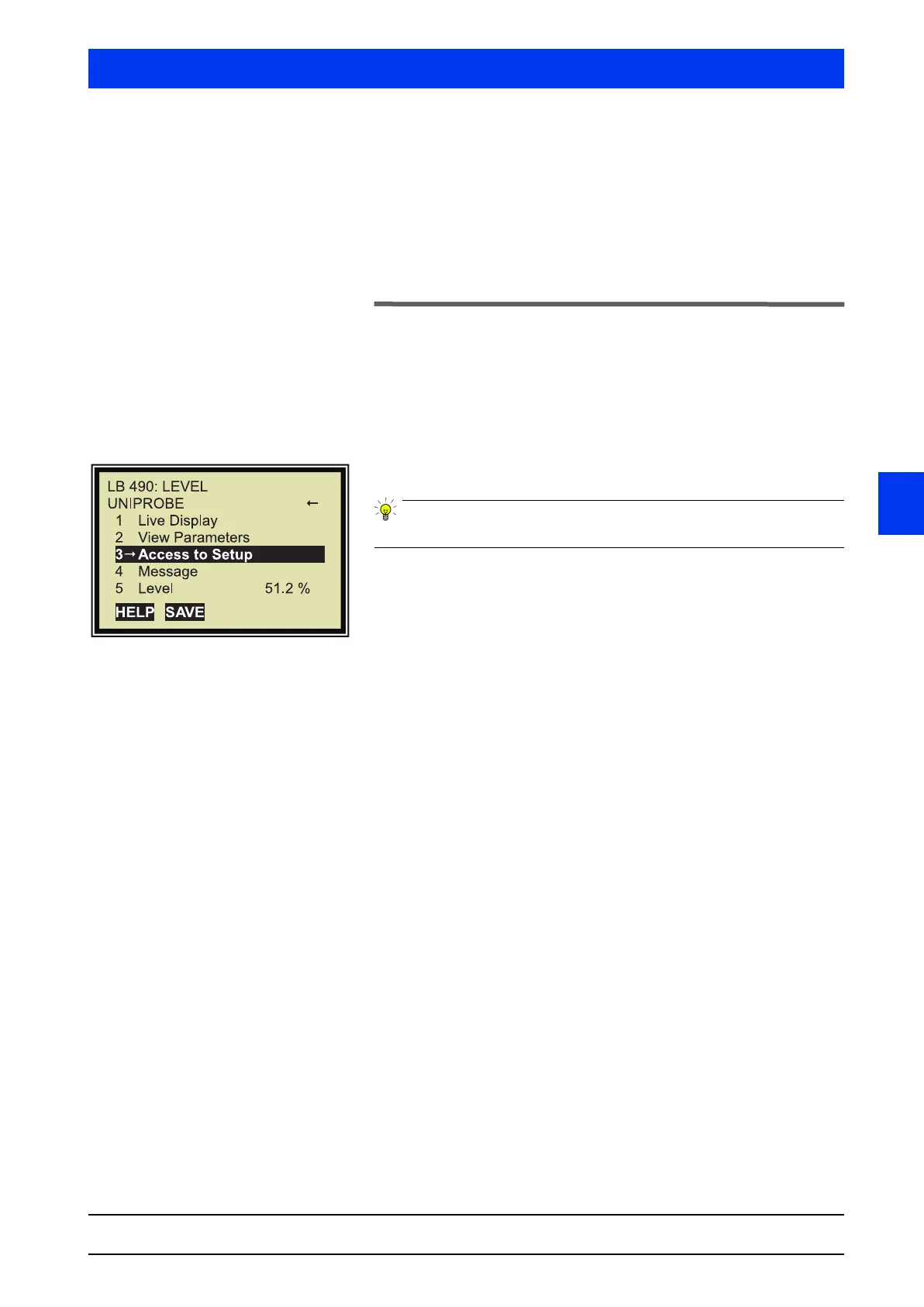
After power on, the Start menu appears.
Push the HOME button to return to the Start menu from any level.
First operation of the system:
Set the basic parameters for the Uni-Probe (see page 3–346).
Calibration of a system that has already been taken into opera-
tion:
If you are sure that the detector and basic configuration of the
Uni-Probe is correct, you can start with the calibration of the mea-
suring system immediately as described in section 4.2.
Otherwise proceed as follows:
If a password has been defined for the Uni-Probe, revoke the
password protection (see page 3–369).
Reset the Uni-Probe to the factory settings (see page 3–342)
Set the parameters for the detector HV (see page 3–344).
Set the basic parameters for the Uni-Probe (see page 3–346).



 To Next Page