38477BA2B
5 – 448 25.5.09
4 Menu Overview Volume 5
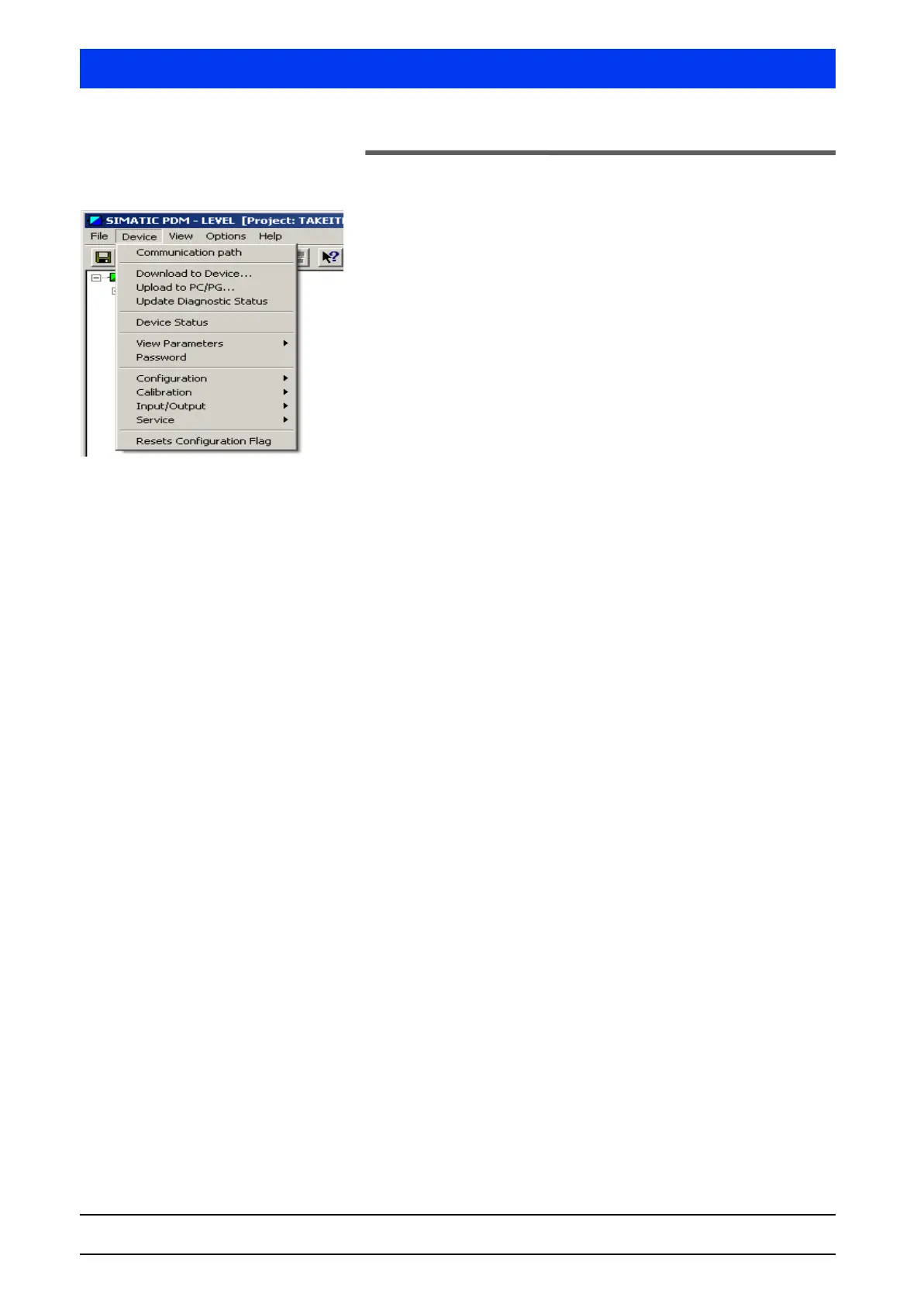
4.2 DEVICE Menu
The DEVICE tab includes all device-specific functions you need to
configure, calibrate and monitor the Uni-Probe.
The DEVICE tab includes the following menu items:
• Communication path (page 5–449)
• Download to Device… (page 5–449)
• Upload to PC/PG… (page 5–449)
•View Parameters
– Show calibr. curve (page 5–450)
– Status / Error log (page 5–451)
• Password (page 5–452)
•Configuration
– General (page 5–452)
– System Parameter (page 5–453)
– Measurement parameters
– Damping Data (page 5–454)
– Rad. Interference (page 5–457)
– Pulse Rate Limits (page 5–458)
• Calibration
– Set background (page 5–459)
– Save pt. (page 5–459)
– Adjust Lo. Save Pt. (page 5–460)
– Adjust Up. Save Pt. (page 5–461)
– Check Curve (page 5–461)
– Calibration Options (page 5–462)
• Input/Output
– Current output (page 5–463)
– Digital Inputs (page 5–464)
– Digital outputs (page 5–465)
•Service
– Test Calculation (page 5–466)
–I/O test
– Status dig. input (page 5–467)
– Relay test (page 5–467)
– Current output (page 5–468)
– Probe Settings (page 5–473)
–Plateau
– Measure Plateau (page 5–476)
– Show plateau (page 5–476)
– Factory settings (page 5–477)
– Hardware reset (page 5–477)
– HART interface (page 5–478)



 To Next Page