38477BA2B
5 – 462 25.5.09
4 Menu Overview Volume 5
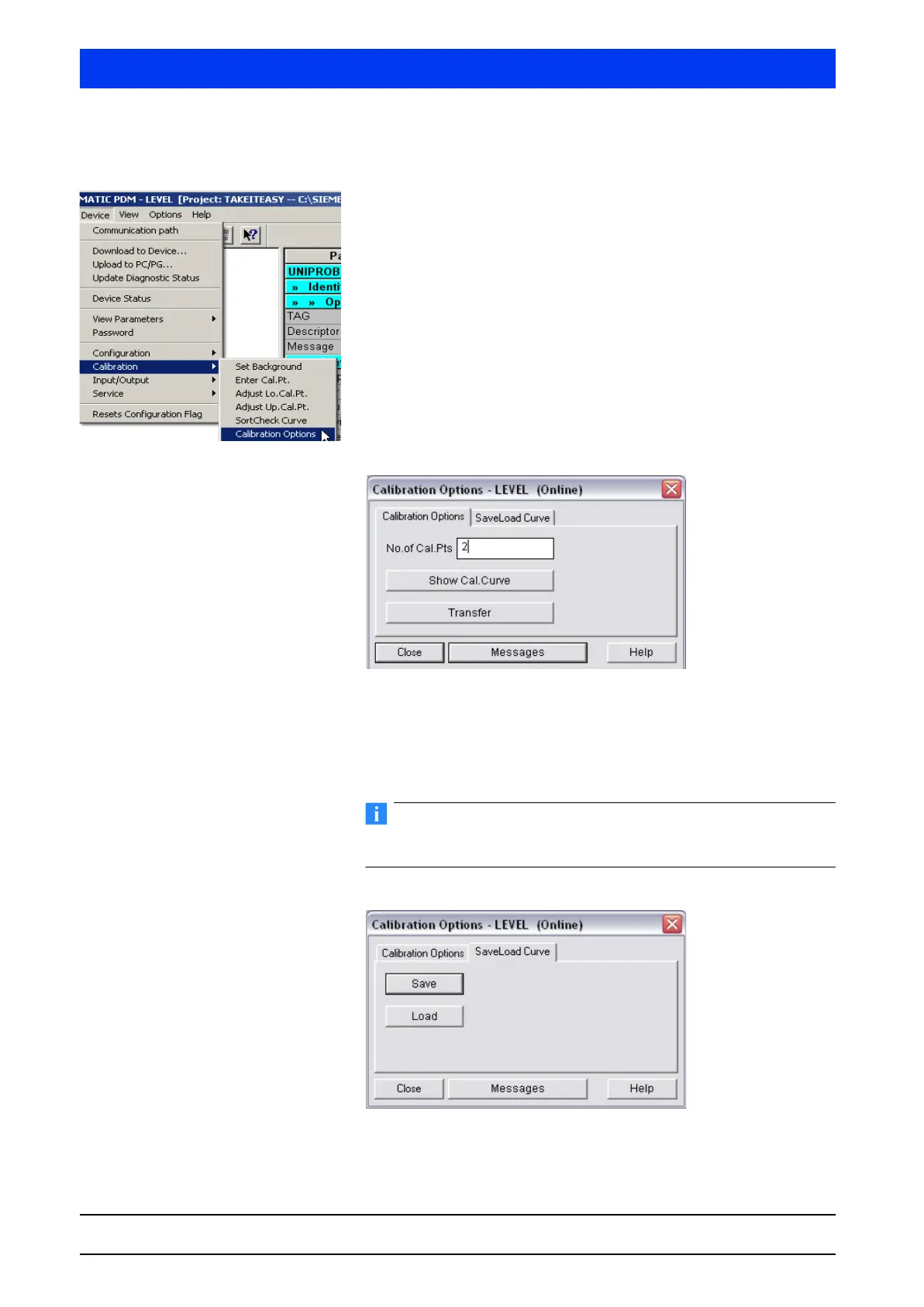
4.2.17 CALIBRATION CALIBRATIONS OPTIONS
Define number of calibration points or save calibration data .
The
CALIBRATION OPTIONS menu includes two submenus which can
be selected on the tabs…
• Calibration Options (page 5–462)
• Save Load Curve (page 5–462).
CALIBRATION OPTIONS Tab
Select the CALIBRATION OPTIONS tab.
Enter the number of calibration points required for your calibra-
tion. A number between 1 and 10 is accepted.
Click TRANSFER to upload the settings to the Uni-Probe.
Click on SHOW CALIBRATION POINTS to view the current calibration
curve.
CAL. SAVE DATA Tab
On the CALIBRATION DATA tab you can save the current calibration
data or load already saved calibration data.



 To Next Page