38477BA2B
5 – 480 25.5.09
4 Menu Overview Volume 5
4.3 VIEW Menu
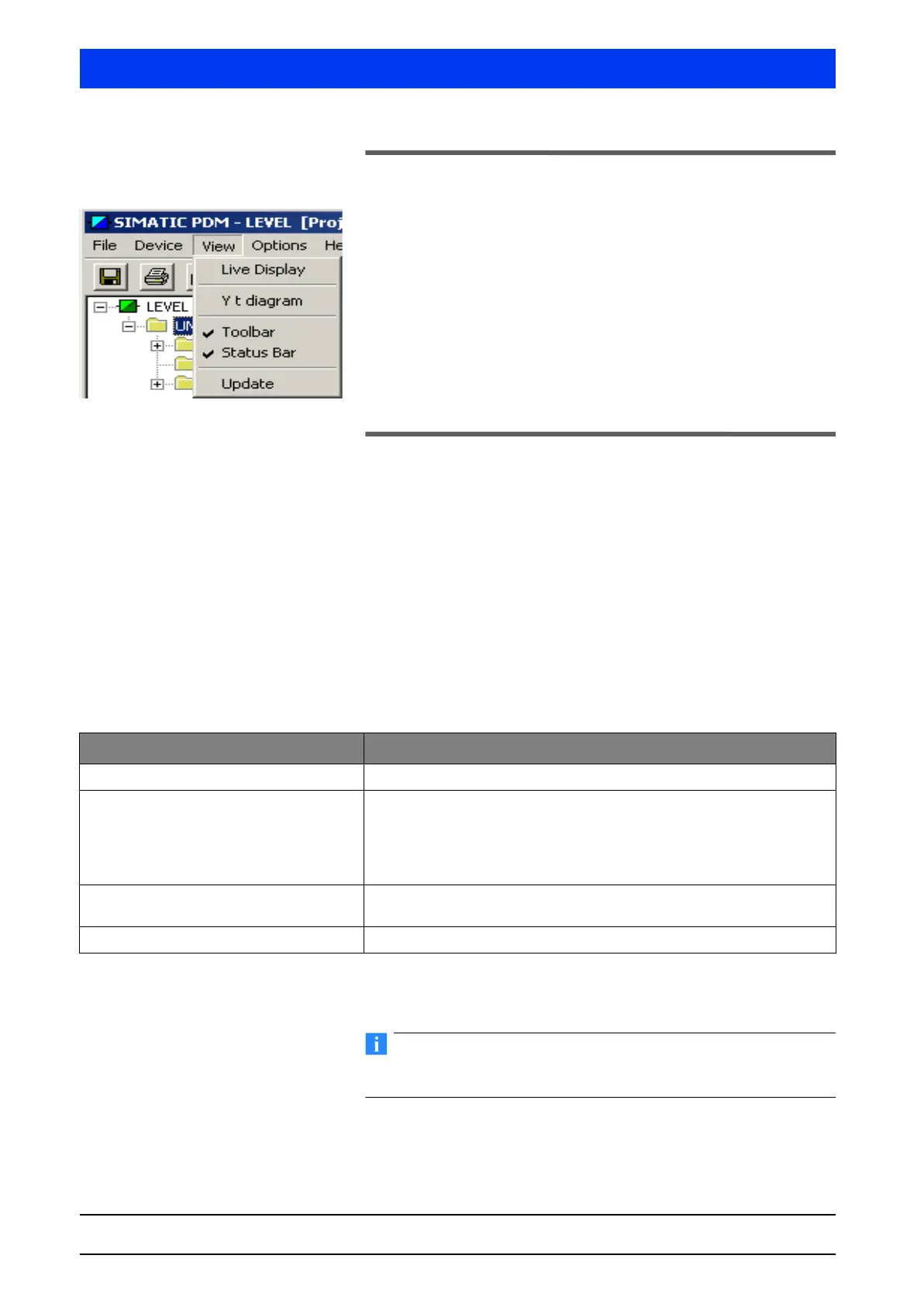
The VIEW menu includes setting options for program view and live
display of the measured values.
The VIEW menu includes the following items:
• Live Display (page 5–480)
• Y t diagram (page 5–481)
• Toolbar (page 5–484)
• Status Bar (page 5–484)
• Update (page 5–484)
Description of the Menu Items
4.3.1 LIVE DISPLAY
The LIVE DISPLAY menu includes two submenus which can be
selected on the tabs…
• Live Display (page 5–480)
• Probe Raw Data (page 5–480)
LIVE DISPLAY Tab The LIVE DISPLAY menu shows you the currently measured level
live in %, cps and mA output current.
Status messages are displayed in the scroll box at the bottom of
the menu.
PROBE RAW DATA Tab Shows the raw data of the probe. In case of multi-detector opera-
tion the raw data of the Auxiliary Units are also displayed.
The detector data can be changed only on the SERVICE PROBE
SETTINGS menu (see page 5–473).
Parameters Description
Level Live display of the current level.
Average pulse rate Shows the currently averaged pulse rate in counts per second (cps). The
count rate is averaged over the time constant. The level is calculated from
this count rate.
In case of multi-detector operation the sum of the pulse rates of all probes
is displayed.
cps Shows the live count rate without averaging. In case of Auxiliary Units,
the sum of the pulse rates of all probes is displayed.
Current Shows the live current output in mA.



 To Next Page