38477BA2B
5 – 484 25.5.09
4 Menu Overview Volume 5
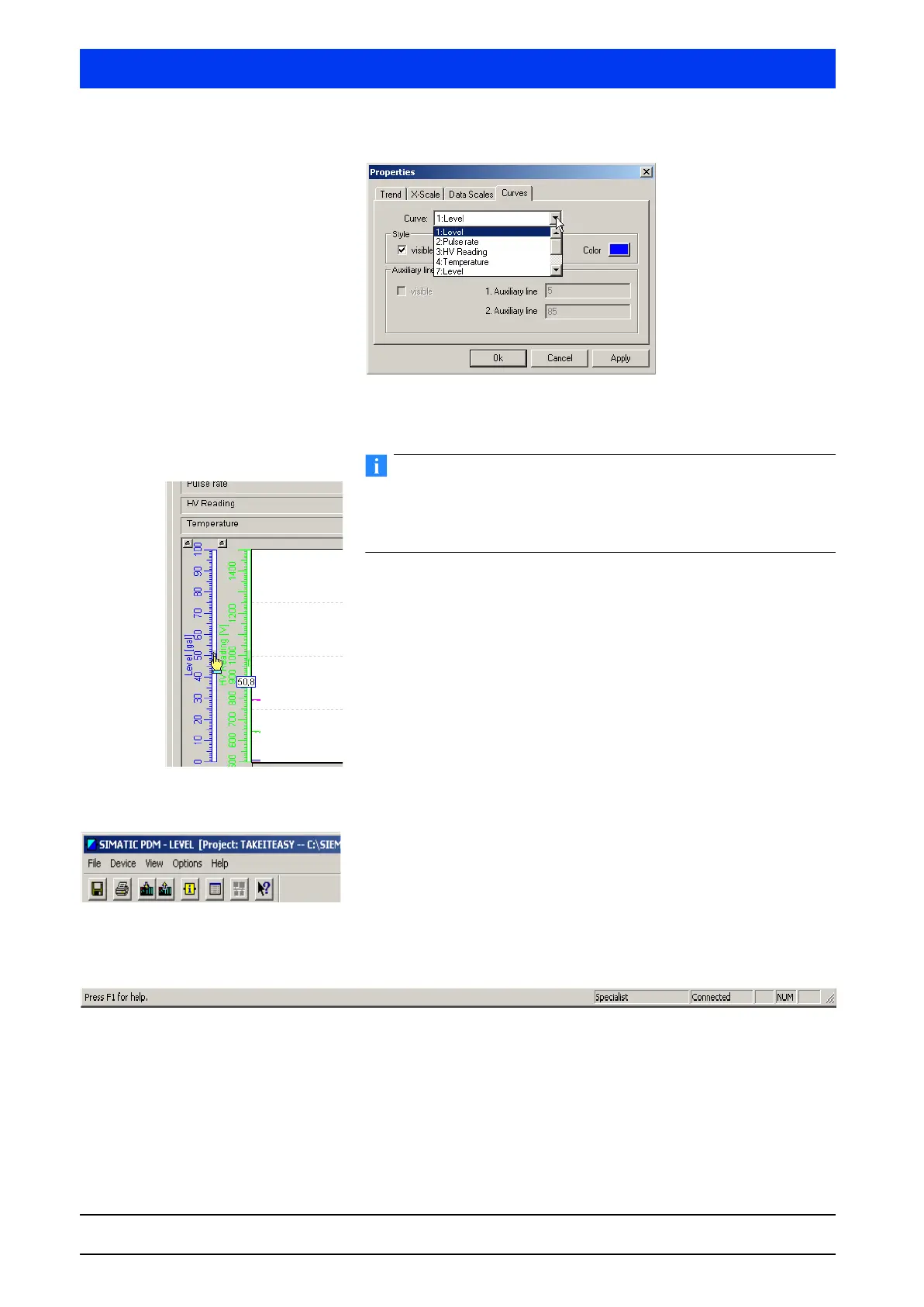
CURVES Ta b
Color and presentation of the various trend curves are defined on
the
CURVES tab.
You can change the scaling also by setting the mouse pointer on
the scale (a hand appears), clicking the left mouse button (an
arrow appears) and dragging the arrow across the scale with the
mouse button pushed down.
4.3.3 TOOLBAR
Turns the toolbar in the software on or off.
4.3.4 STATUS BAR
Turns the status bar on or off.
4.3.5 UPDATE
Updates the window contents.



 To Next Page