38477BA2B
6 – 560 25.5.09
2 Installation / Program Start Volume 6
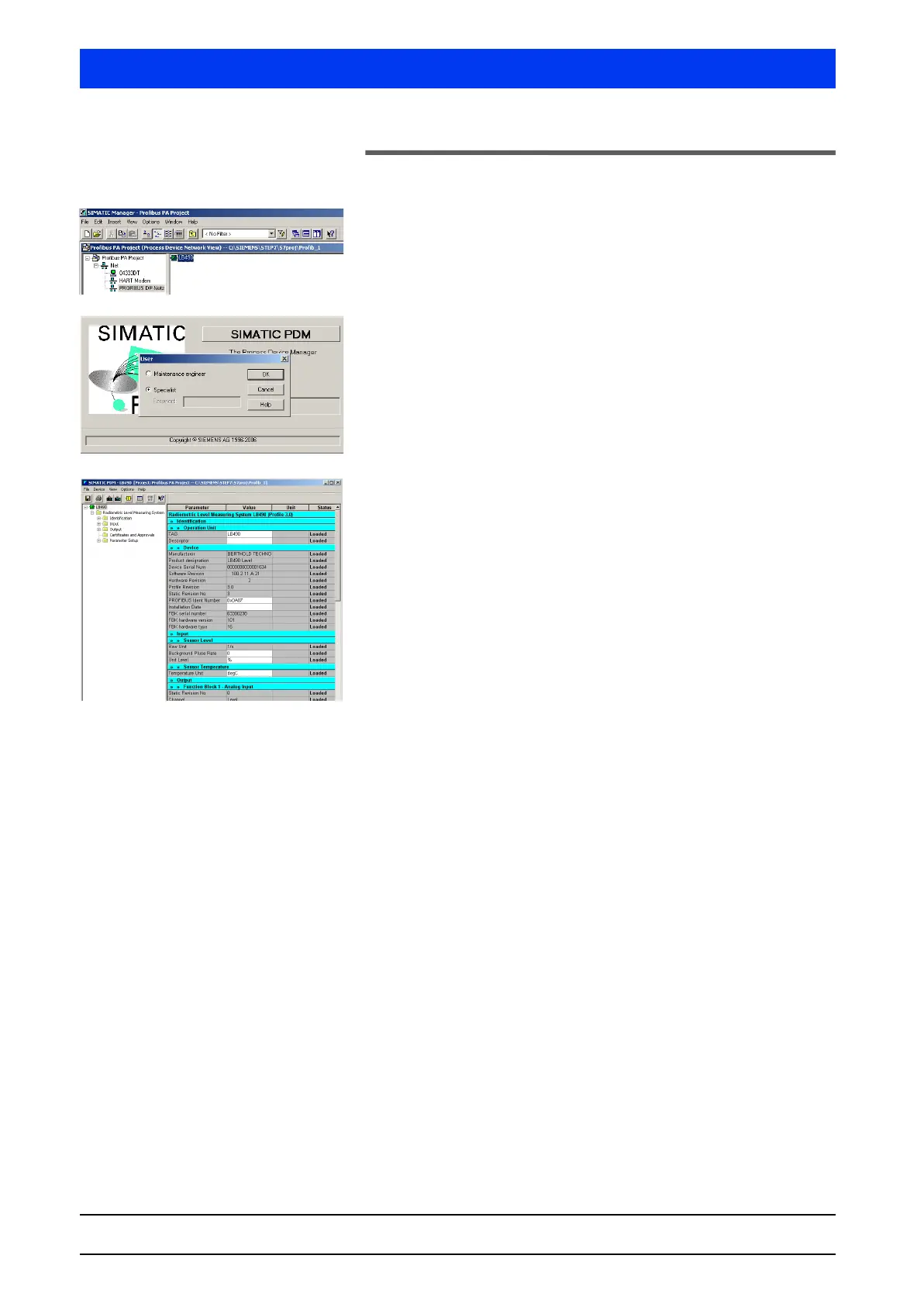
2.2 Starting SIMATIC PDM
Start SIMATIC PDM by double-clicking on the device symbol (in
our example
LB490).
When SIMATIC PDM is started you will see a welcoming screen
and the
USER dialog box (which can be disabled, see page
page 5–485) is displayed.
Select the desired user status, enter your password, if neces-
sary (under Specialist) and then confirm with
OK.
Then the SIMATIC PDM main window opens.



 To Next Page