Uni-Probe LB 490
BERTHOLD TECHNOLOGIES GmbH & Co. KG
5 – 485
Volume 5 4 Menu Overview
5
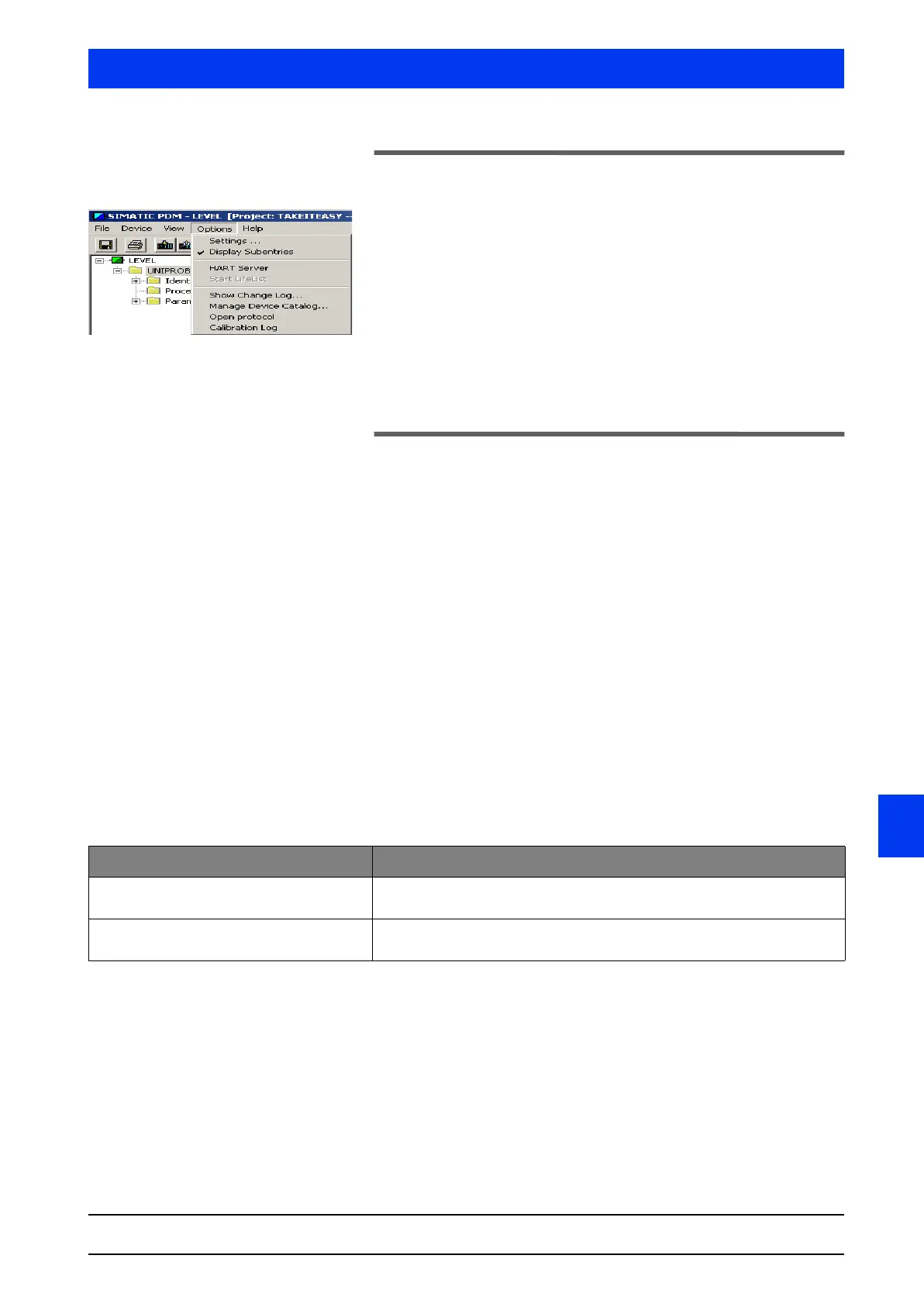
4.4 OPTIONS Menu
The OPTIONS menu includes various program settings, and allows
you to import HCF catalogs and to open various program modules.
The OPTIONS menu includes the following items:
• Settings… (page 5–485)
• Display Subentries (page 5–487)
• Import HCF catalog … (page 5–487)
• HFC OPC server (page 5–488)
• Start LifeList (page 5–488)
Description of the Menu Items
4.4.1 SETTINGS…
The SETTINGS... menu command is used to carry out various indi-
vidual settings for working with SIMATIC PDM. The menu includes
six submenus which can be selected on the tabs …
• User (page 5–485)
• Password (page 5–486)
• Table (page 5–486)
• Font (page 5–486)
• Communication (page 5–486)
• Log (page 5–486)
USER Ta b SIMATIC PDM has two different access authorizations for users:
Maintenance engineer and Specialist. The Maintenance engineer
can only modify the operating data, the Specialist can modify all
data.
Select the Maintenance engineer or Specialist mode.
Tick the Display user selection on startup checkbox if you want
to have an opportunity to choose between the Maintenance
engineer and Specialist mode when opening the project.
In this case the
CUSTOMIZE dialog box appears when you open
the project. In this dialog box you can select the user mode by
clicking the respective radio button.
Parameters Description
Maintenance engineer In the Maintenance engineer mode you can only carry out the modifica-
tions necessary for operation and maintenance in the parameter table.
Specialist In the Specialist mode, extended modification possibilities are available in
the parameter table.



 To Next Page