38477BA2B
5 – 540 25.5.09
8 Explanations Volume 5
8.6 Reading-in Pulse Rates
For each calibration you have to read-in or enter count rates.
Please refer to Volume 5, section 6, for more information on this
procedure.
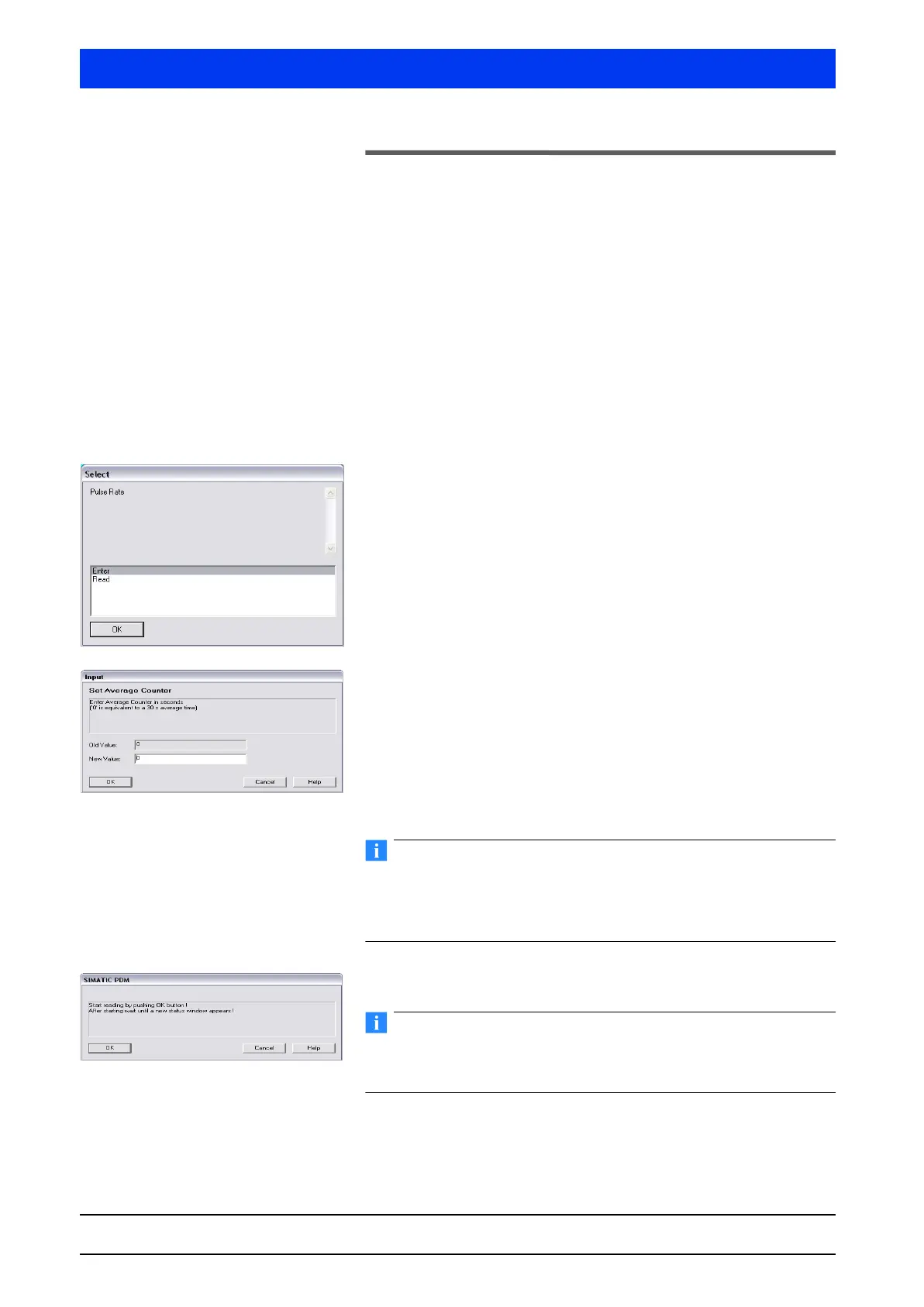
Read or Enter pulse rate?
The count rate can be read-in or entered.
Typically, the pulse rate is read in.
If the count rate has already been determined in the past, or in
another manner, then you can enter the count rate manually.
8.6.1 Procedure
Select READ and confirm the selection with OK.
READ means the current count rate is read in.
With
ENTER you can enter a pulse rate manually.
Reading-in count rates:
If necessary, change the value for the averaging time.
The standard value 0 selects an averaging time of 30 s, which
suffices in most cases. This means that the process is over after
30 seconds.
Enter a value >0 to determine another averaging time in sec-
onds. The longer this time, the more accurate the averaging.
Do not enter a figure that is too high by mistake!
The process can be stopped only by turning off the Uni-Probe and
by temporarily removing the batteries in the HART
®
Communica-
tor.
Click to start reading-in the pulse rate OK.
During averaging the level in the tank must not change. For agita-
tor vessels, the agitator must be running and a longer averaging
time, e.g. 300s, has to be used.
The count rate reading-in process has started.



 To Next Page