Uni-Probe LB 490
BERTHOLD TECHNOLOGIES GmbH & Co. KG
6 – 561
Volume 6 3 Device-specific Menus
6
3 Device-specific Menus
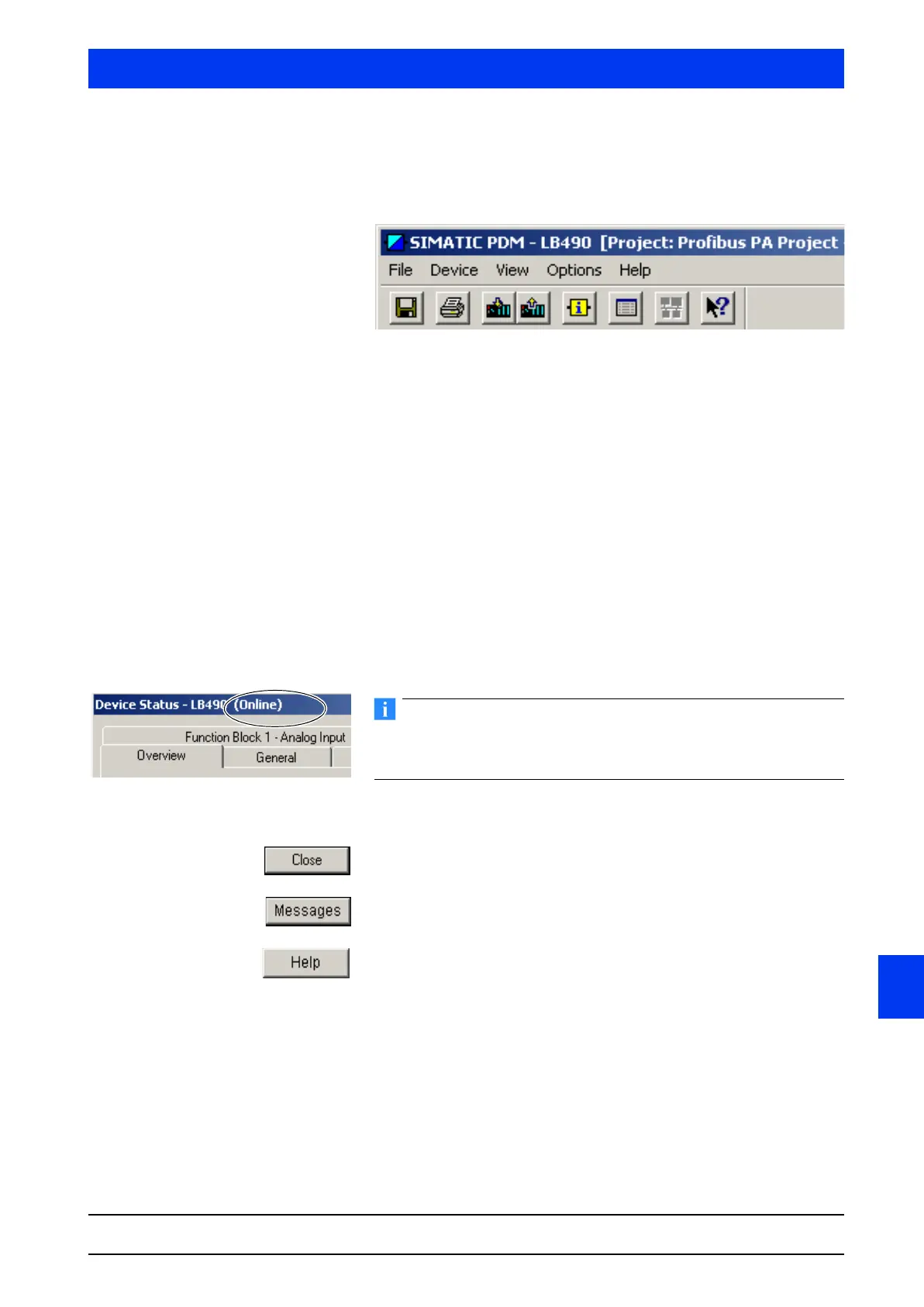
SIMATIC PDM includes five menus:
•FILE
•DEVICE
•VIEW
•OPTIONS
•HELP
The look and functionality of the menus are largely PDM-specific,
regardless of the sensor type used. For a general description of this
functionality please refer to the Siemens documentation.
The
DEVICE menu and some items of the VIEW menu, on the other
hand, contain device-specific functions or displays. These are
defined by the respective device description of the sensor manufac-
turer (see also chapter 2.1). They will be described in detail in the
following sections.
Parameter changes in online dialogs (identified by the term Online
on the menu bar of the dialog window) are effective immediately
(without having to be uploaded to the device).
The following buttons have the same function in all dialog windows:
CLOSE: Closes the current window.
MESSAGES: Opens the list of error messages.
HELP: Invokes the SIMATIC PDM online help.



 To Next Page