38477BA2B
5 – 460 25.5.09
4 Menu Overview Volume 5
With the jump to the next calibration value, the changed values
are automatically sent to the Uni-Probe.
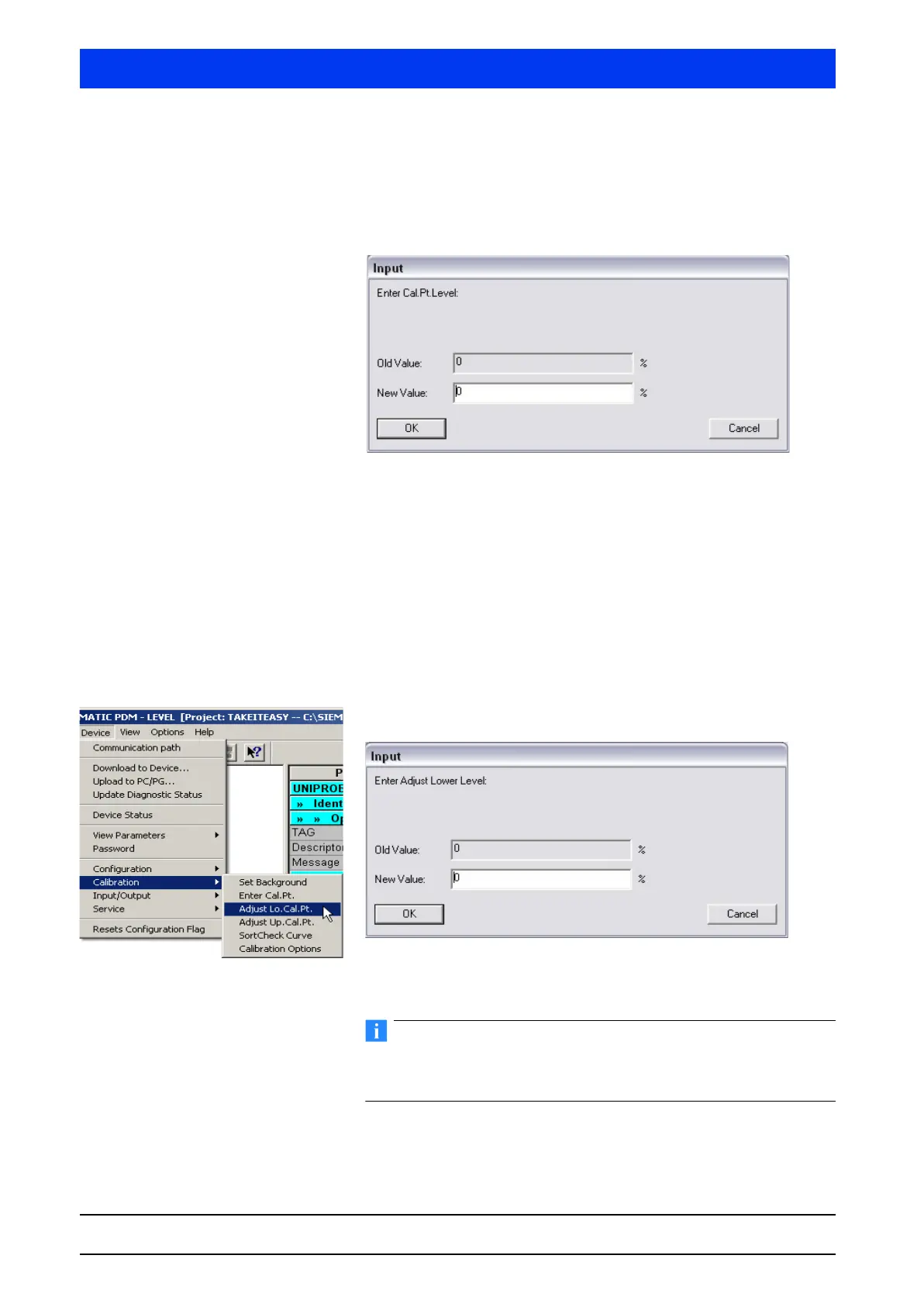
CAL. PT. LEVEL Select CAL. PT. LEVEL and then click OK to enter the level for the
calibration point.
The calibration sequence is described in detail in Volume 3, sec-
tion 4.
CAL. PT. RATE Select CAL. PT. RATE and then click OK to enter or determine the
pulse rate.
The calibration sequence is described in detail in Volume 3, sec-
tion 4.
DONE Select DONE and then click OK to terminate the input.
4.2.14 CALIBRATION ADJUST LO. CAL. PT
Set the lower calibration point.
Define the level for the lower calibration point and confirm the
input with OK.
Typically, the lower calibration point is at 0% level. In case of a
multi-point calibration, the adjustment will adjust all other calibra-
tion points proportionally.
The calibration sequence is described in detail in Volume 3, sec-
tion 4.



 To Next Page