Uni-Probe LB 490
BERTHOLD TECHNOLOGIES GmbH & Co. KG
5 – 459
Volume 5 4 Menu Overview
5
Click TRANSFER to upload the settings to the Uni-Probe.
Parameter changes in this online dialog become effective immedi-
ately (no upload to the device required).
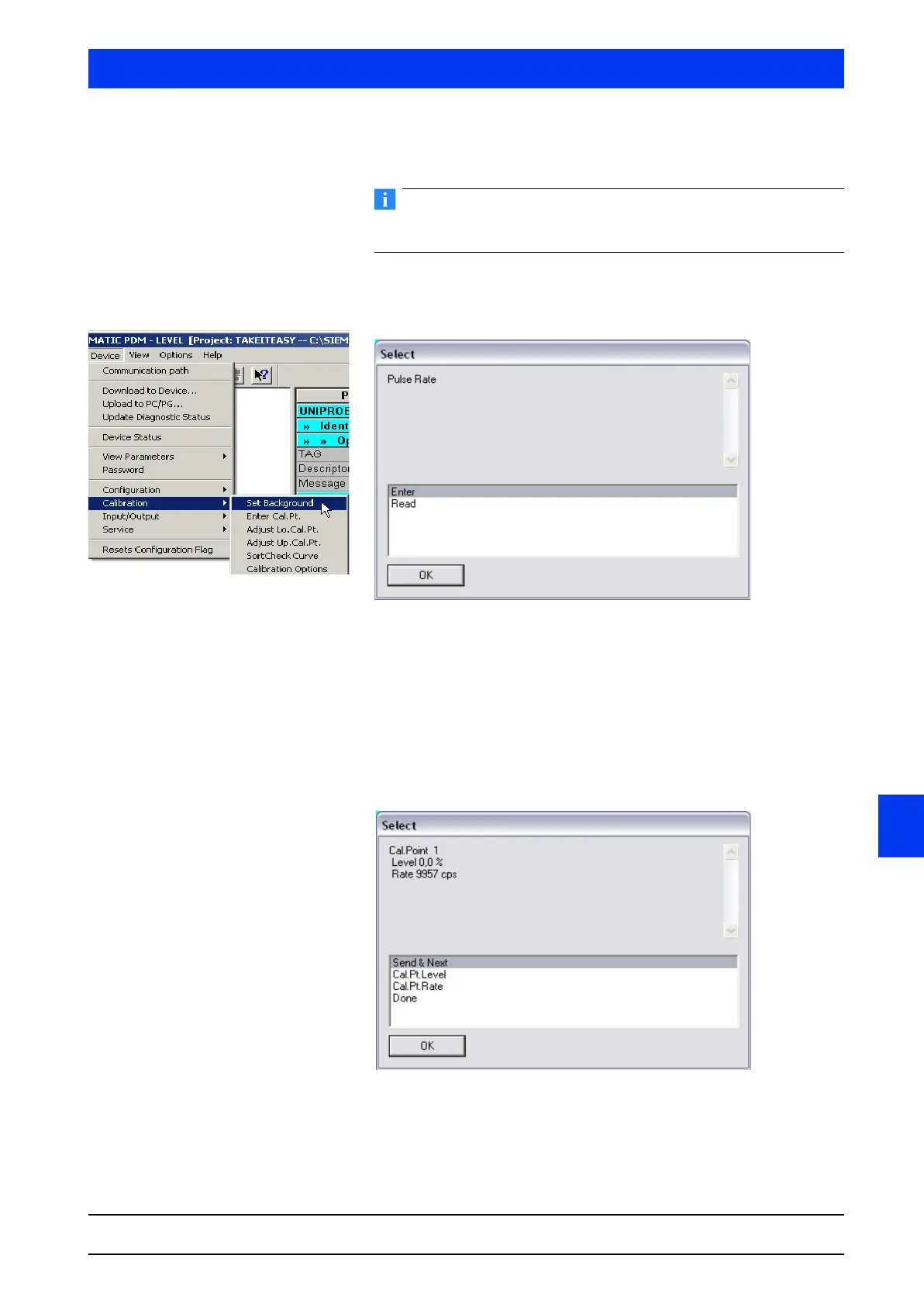
4.2.12 CALIBRATION BACKGROUND
Select if you want to enter or read the pulse rate and click OK
to confirm your selection (see section 8.6).
The calibration sequence is described in detail in Volume 3, sec-
tion 4.
4.2.13 CALIBRATION ENTER CAL.PT.
Each individual calibration point is displayed in its own window.
From this window you can calibrate the level values and count rate.
SEND & NEXT Select SEND & NEXT and then click OK if you want to change to
the next calibration point.



 To Next Page