Uni-Probe LB 490
BERTHOLD TECHNOLOGIES GmbH & Co. KG
5 – 449
Volume 5 4 Menu Overview
5
Description of the Menu Items
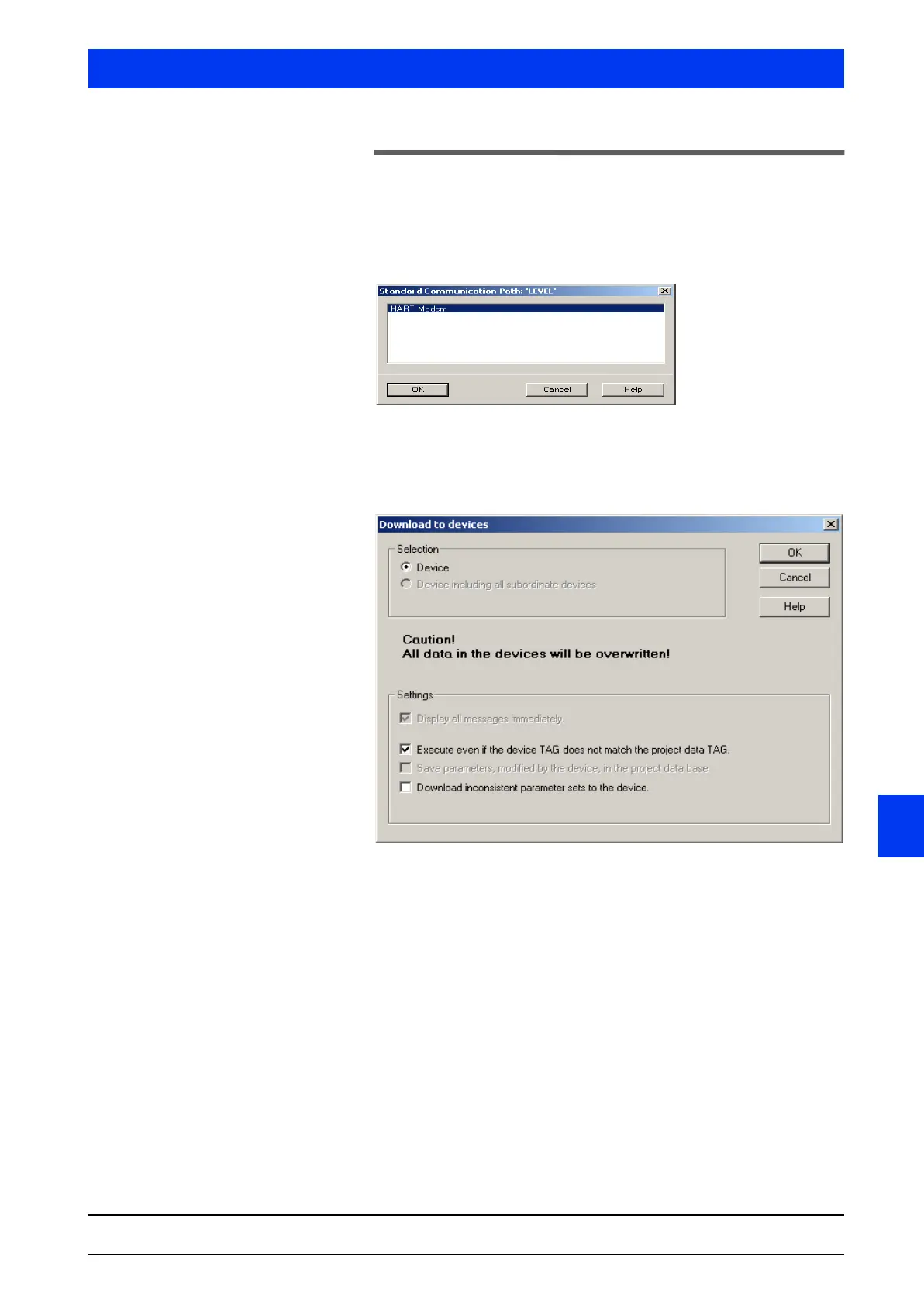
4.2.1 COMMUNICATION PATH
Shows the current communication path of the object.
4.2.2 DOWNLOAD TO DEVICE…
Saves the parameters on the parameter list into the device(s).
Select if the parameters are to be saved to the individual device
or all devices (multi-detector mode) by selecting the respective
radio button in the Selection group box.
Select the settings for the parameter download by ticking the
checkbox(es) in the Settings group box.
4.2.3 UPLOAD TO PG/PC…
Reads the parameters of the device and saves them on the param-
eter list of the SIMATIC Manager on the PC.



 To Next Page