38477BA2B
4 – 414 25.5.09
2 Installing and Working with DTM Volume 4
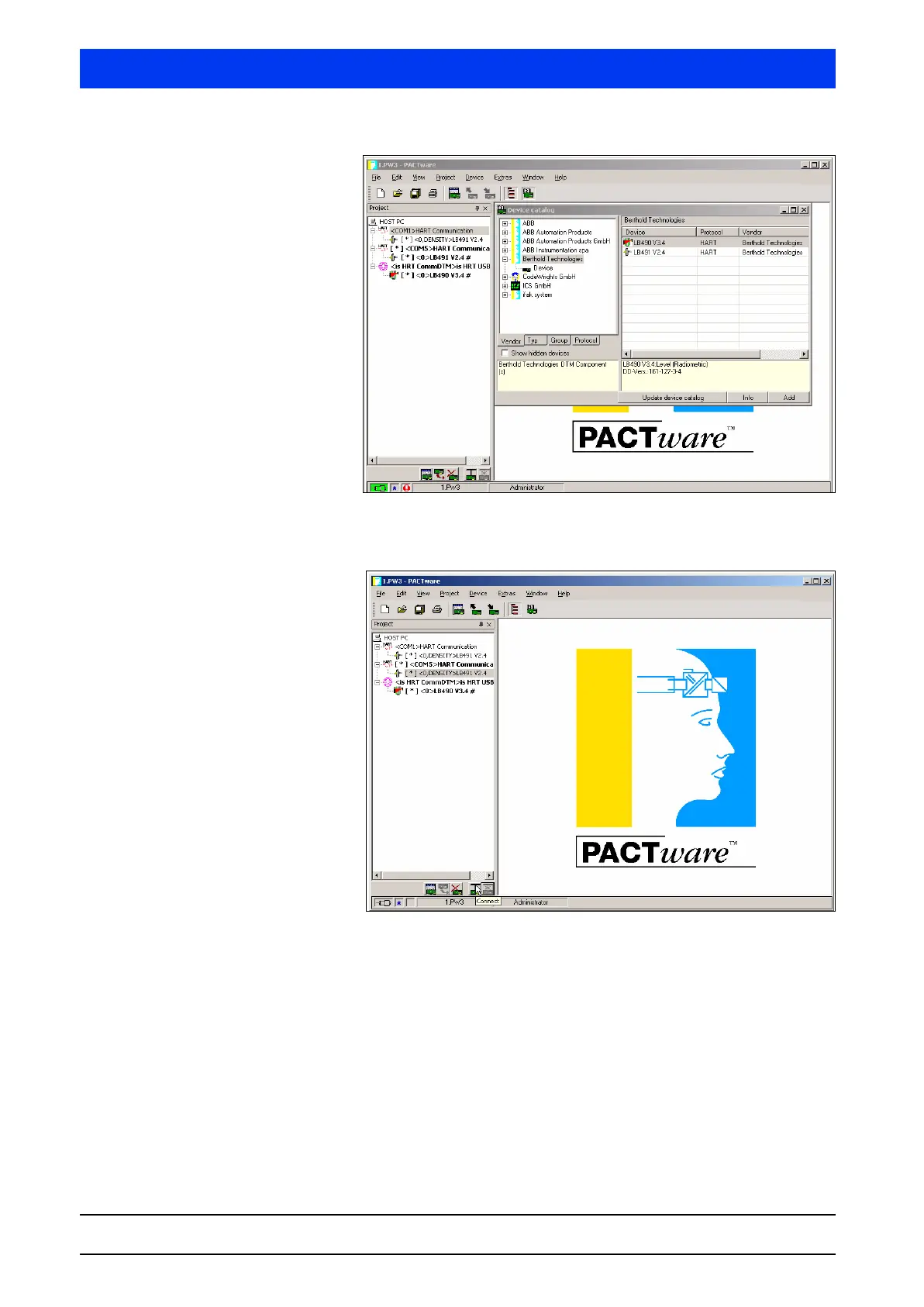
Select the installed device in the project window and establish
the connection by clicking on the
CONNECT button.
Click on the
EDIT DEVICE PARAMETER button to define the
parameter setting. You can also view current measured values
or the defined parameter values.



 To Next Page