Uni-Probe LB 490
BERTHOLD TECHNOLOGIES GmbH & Co. KG
5 – 441
Volume 5 4 Menu Overview
5
Select the version of the value comparison and confirm the
selection with
OK.
A: Compare with online data of the
loaded object
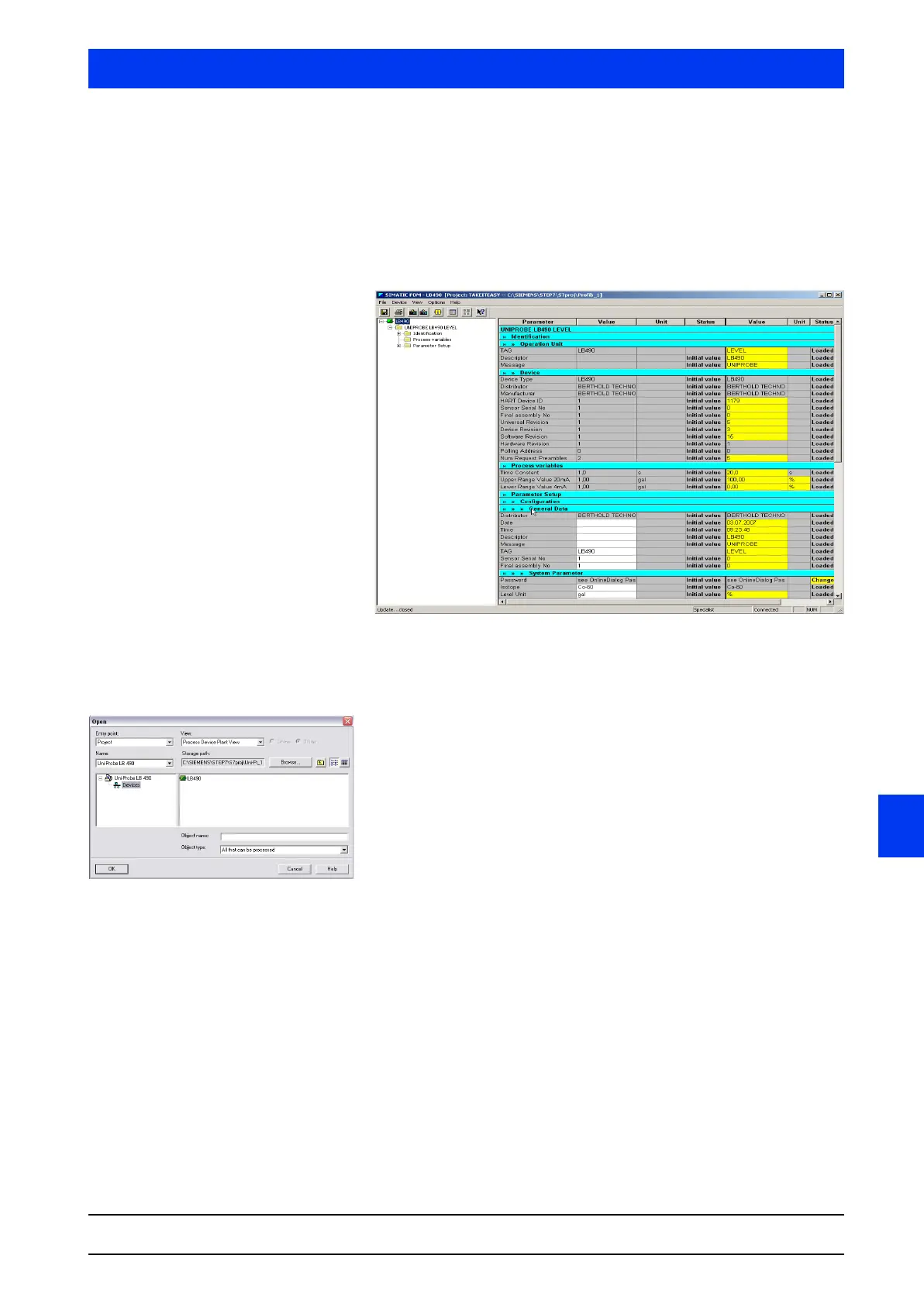
After confirmation of the selection, the online data of the object are
loaded and displayed to the right next to the offline data in the
parameter table of the SIMATIC Manager. Online parameters that
differ from the offline values are marked yellow in the table.
B: Compare with offline data of
another object
After confirmation of the selection, a window appears and you can
select the comparison project.
Select the object to be compared and confirm the selection with
OK.
The offline parameter of the object to be compared are displayed to
the right next of the offline data of the current object in the param-
eter table of the SIMATIC Manager. Parameters that differ from the
current object are marked yellow in the table.


 To Next Page
 Loading...

