Uni-Probe LB 490
BERTHOLD TECHNOLOGIES GmbH & Co. KG
5 – 443
Volume 5 4 Menu Overview
5
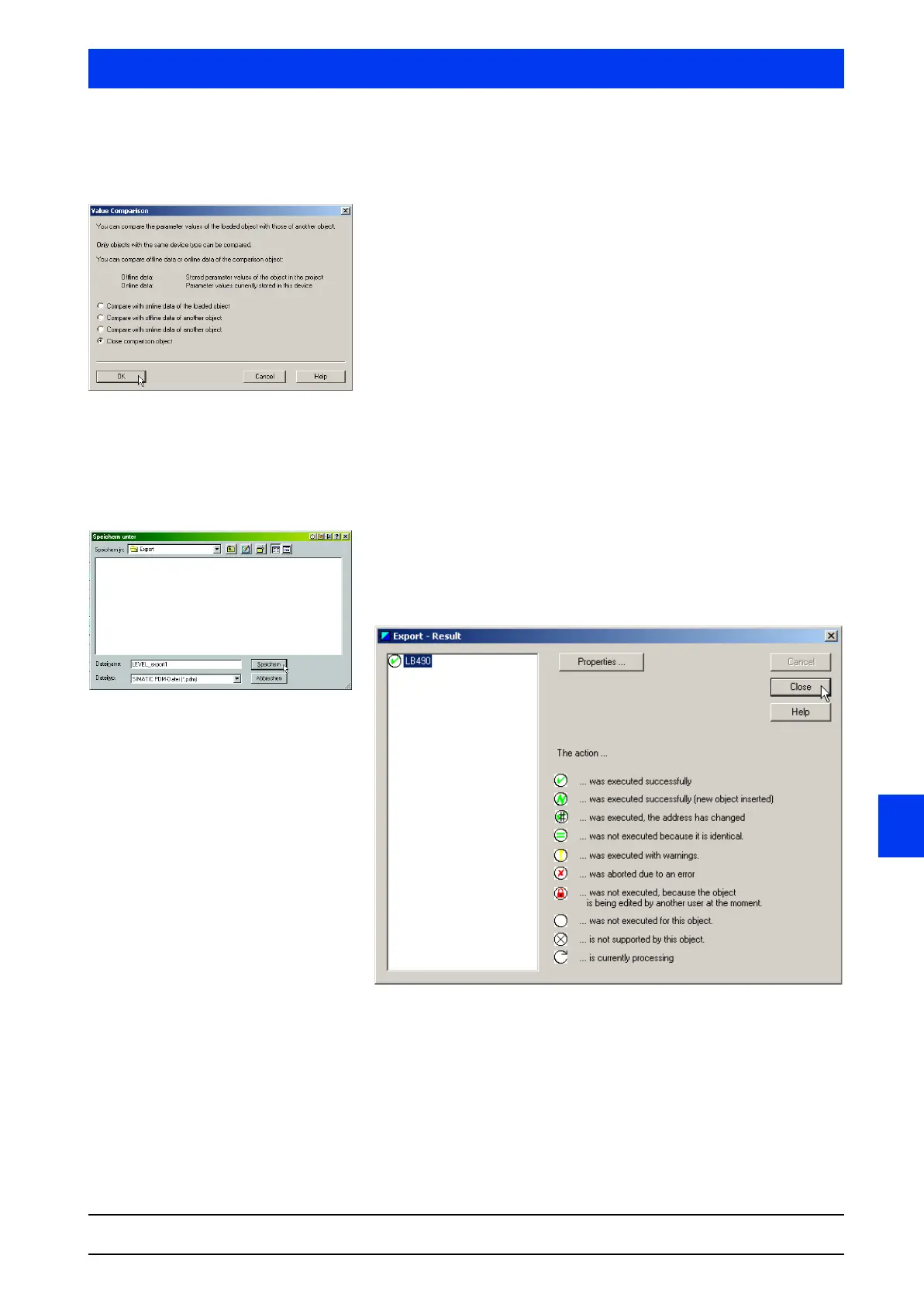
D: Close comparison object If a comparison object is opened, the checkbox CLOSE COMPARI-
SON OBJECT
is also available for selection.
To close the object of comparison, select the checkbox
CLOSE
COMPARISON OBJECT
and confirm the selection with OK.
The object of comparison is closed and the right columns in the
parameter table are deleted again.
4.1.4 EXPORT…
Exports the configuration and parameterization data of the object.
Complete projects or project sections (partial trees in the tree win-
dow of the process device network view or plant view) can be
exported.
Select the name and folder for saving the export data and con-
firm the entry with
SAVE.
After successful export, the result window appears showing the
result of the export.
Click
CLOSE to close the result window.



 To Next Page