Uni-Probe LB 490
BERTHOLD TECHNOLOGIES GmbH & Co. KG
5 – 445
Volume 5 4 Menu Overview
5
B: Comparative import You can use a comparative import to organize data that already
have been exported and then externally edited so that they can be
efficiently re-imported at the same location. In addition, you can
import data located and exported with SIMATIC PDM LifeList into
existing projects.
After successful import, the result window appears showing the
result of the import (see above).
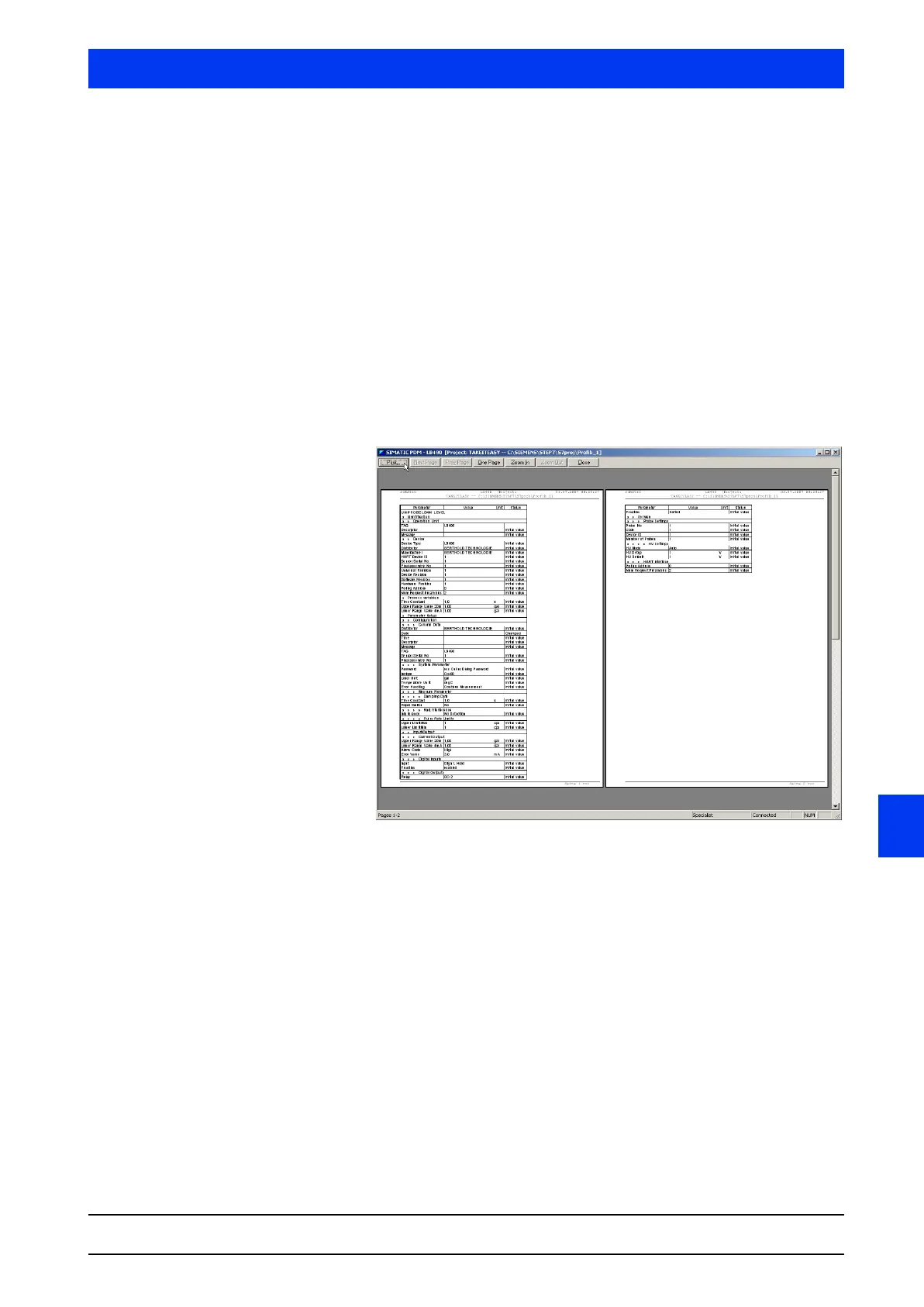
4.1.6 PRINT…
Prints the parameter table in print preview.
4.1.7 SIDE VIEW
Shows the print preview of the parameter table.
In print preview, you can scroll, zoom in or out, and print pages.
The print preview setup can be changed on the
PAGE SETUP… and
LABELING FIELDS… menus.
4.1.8 PRINTER SETUP
Defines the printer settings.
4.1.9 PAGE SETUP…
Select the desired page format and confirm the selection with
OK.
The page view (print layout) is displayed in the selected format and
printed out, if necessary.



 To Next Page