Uni-Probe LB 490
BERTHOLD TECHNOLOGIES GmbH & Co. KG
6 – 593
Volume 6 3 Device-specific Menus
6
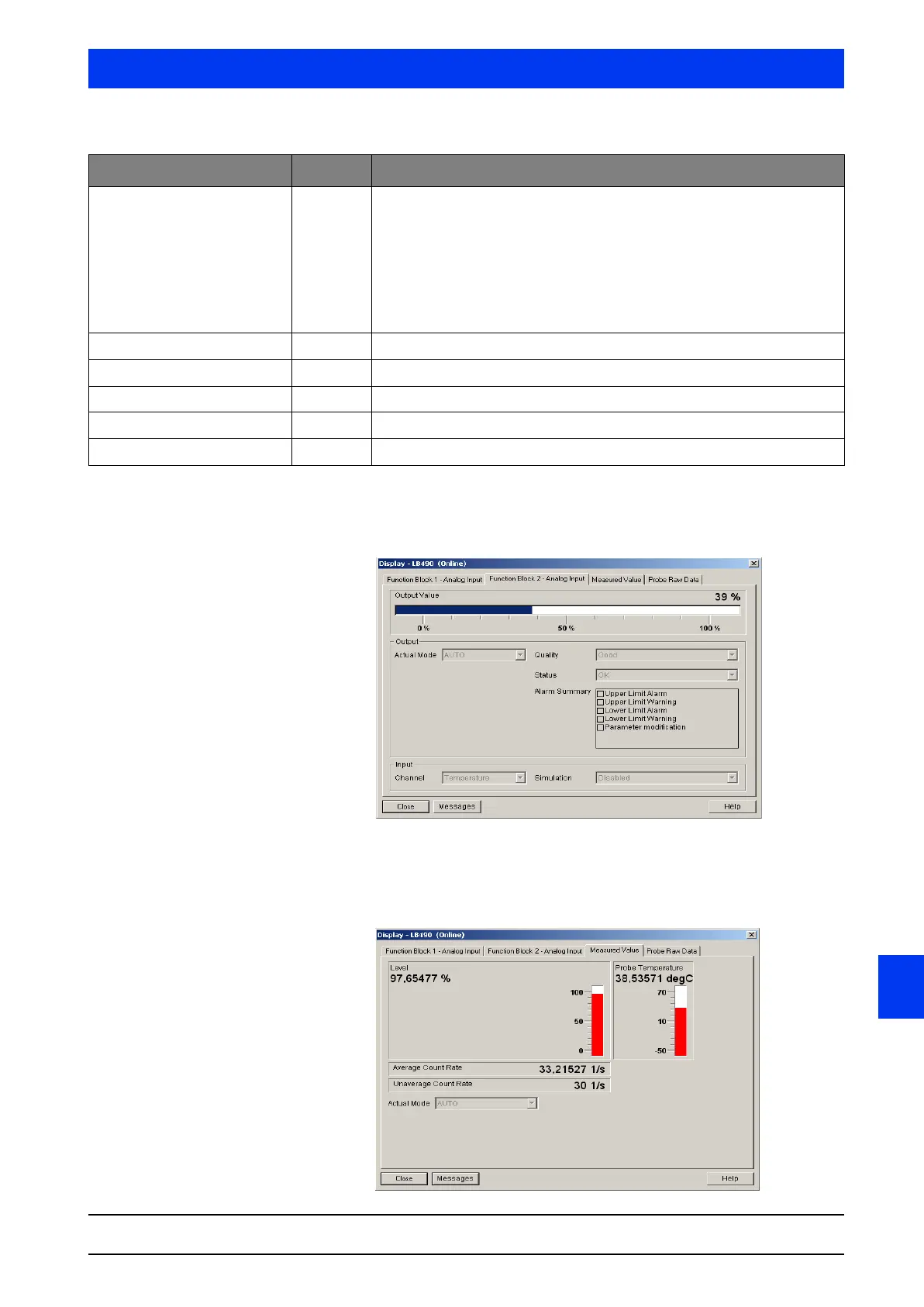
FUNCTION BLOCK 2 - ANALOG INPUT
Tab
The FUNCTION BLOCK 2 - ANALOG INPUT dialog box shows the cur-
rent output value of function block 2 (see also the table on page
page 6–592).
MEASURED VALUE Tab The MEASURED VALUE dialog box shows you „live“ the currently
measured level, the actual detector temperature and the pulse rate
in the configured device.
Parameters Input Description
Actual Mode (Output) ~ Auto: In the automatic mode, the bus is provided with the process data
(density, detector temp.) as measurement variable.
MAN: In the manual mode you can define a constant measured value for
test purposes via the bus. This is used, e.g. for commissioning and main-
tenance.
OOS: Out of Service. In this operating mode the process value is not
known to the bus. The process values are set to the safe status or the
pre-defined value. This operating mode is also used for test purposes.
Quality (Output) ~ Indicates the quality of the process value.
Status (Output) ~ Indicates the status of the process value.
Alarm Summary (Output) ~ Shows the possible alarm summaries of the respective function blocks.
Channel (Input) ~ Selected channel, in our example Level
Simulation (Input) ~ Indicates if the function block is in the simulation mode.



 To Next Page