Setting Global Preferences
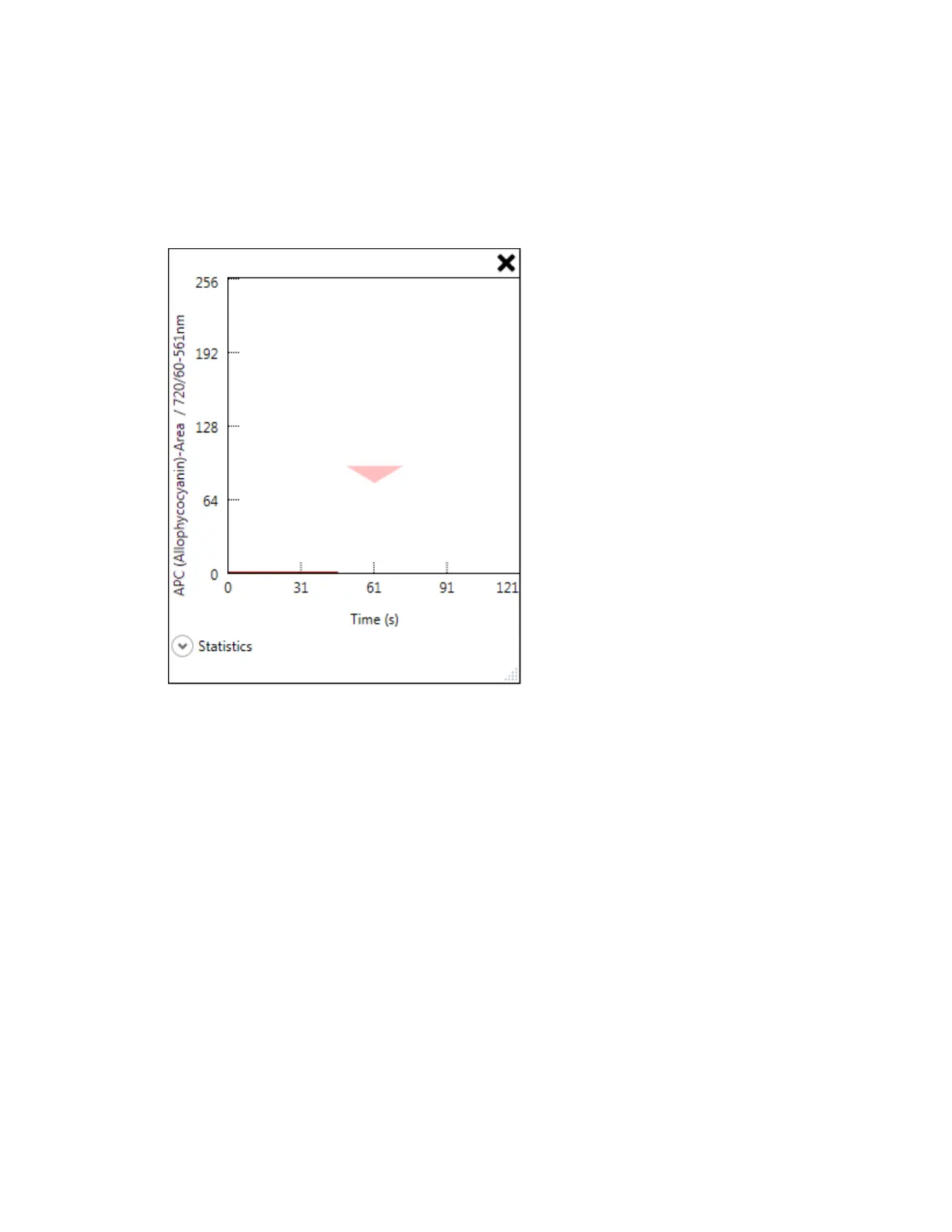
Such off-scale events, as shown in the next figure, might indicate the need to adjust instrument
settings.
3. Select a resolution setting for new plots.
4. Select the Sample dry checkbox if you want to stop acquisition when bubbles occur, indicating
that sample has run out.
5. Click OK to save the changes.
User Guide | 113


 To Next Page