Chapter 4 Everest Software
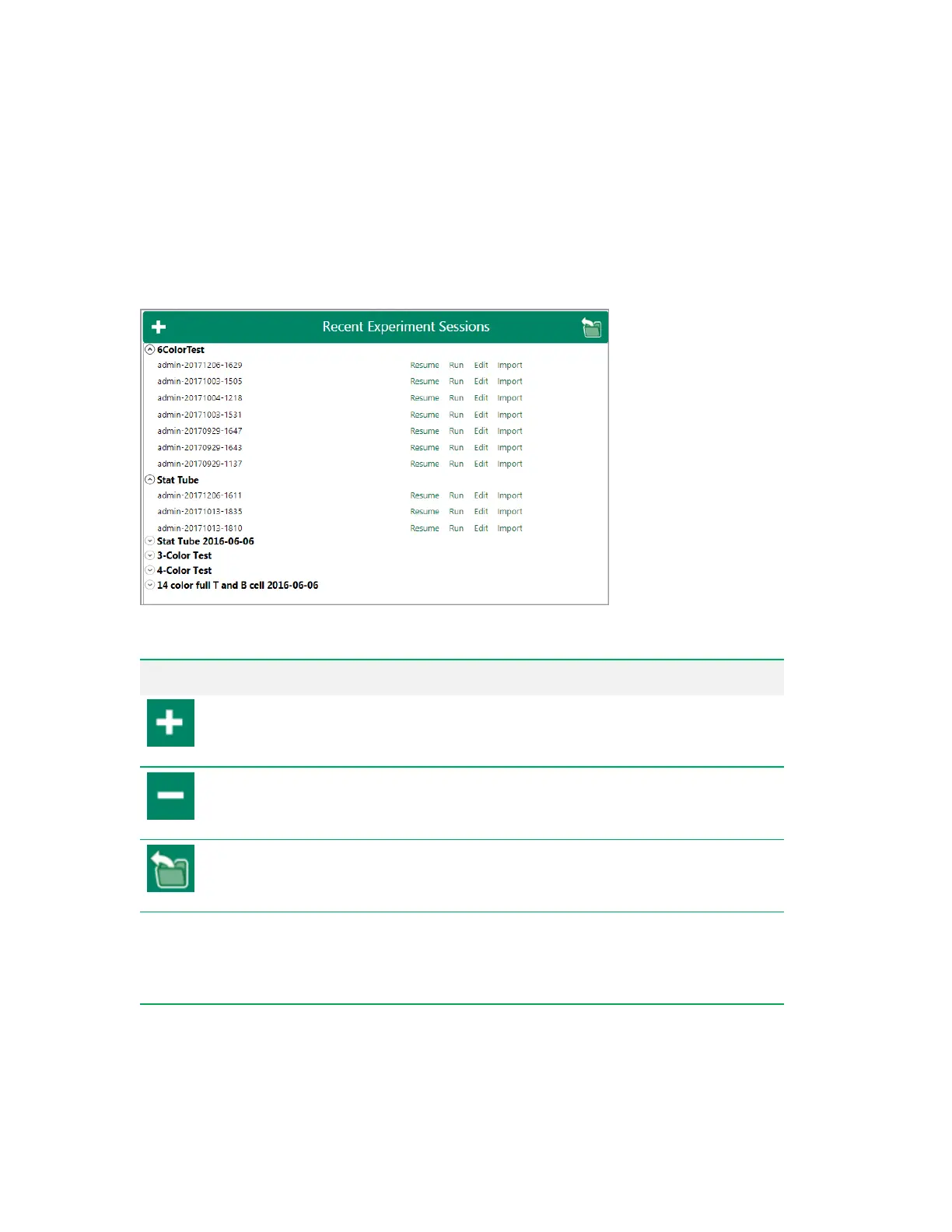
Recent Experiment Sessions
Each time a user runs an experiment or edits an experiment, Everest Software creates and saves a
separate session . The Recent Experiment Sessions window displays a list of recent experiment
sessions that you can load into the Experiment Builder for modification.
Option Function
Expand All
— expands the entire experiment list to show the sessions listed for each
experiment. You can also expand a single experiment by clicking the down arrow next to
its name.
Collapse All
— collapses the entire experiment list so that the experiment sessions are
hidden. You can also collapse a single experiment by clicking the up arrow next to its
name.
Load Run List
— allows you to browse for and load experiment files that are stored in
locations other than the default recent experiments folder (D:\EverestUsers\<username>).
You must know the name of the .rlst file that you seek.
Resume
Loads the run list, as it was last acquired, into the workspace. Previously acquired
positions are indicated in the plate map. If FCS files were acquired for a portion of the
experiment, data from these files are included along with any new files acquired. This
option is useful if acquisition was interrupted in the middle of the previous experiment.
Run
Loads a copy of the previously created run list into the acquisition workspace.
Table 11. Recent Experiment Sessions options and their functions
62 | ZE5 Cell Analyzer and Everest Software



 To Next Page