Chapter 4 Everest Software
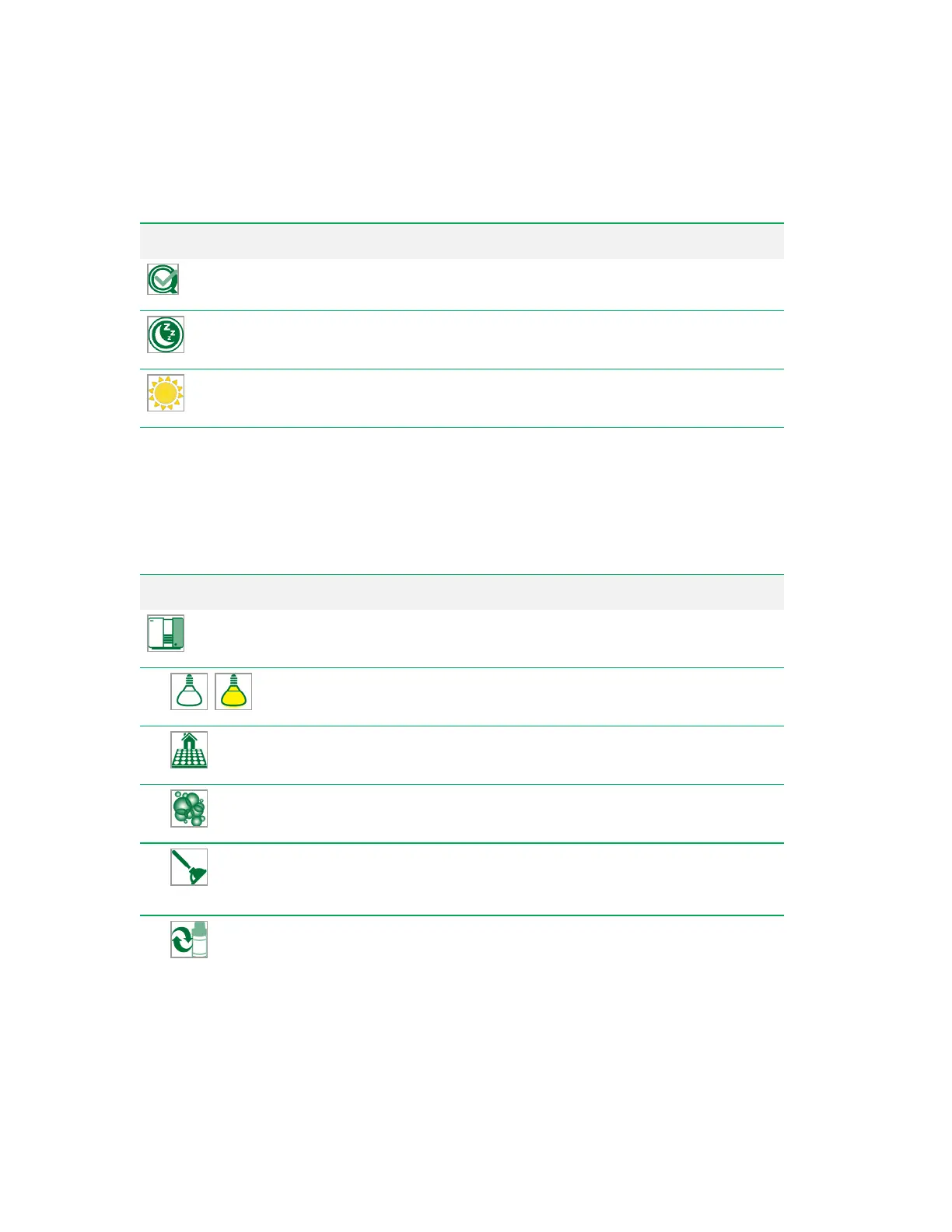
Button Function
QC
— initiates the QC process.
Shutdown
— shuts down the system, if it has been started.
Startup
— starts up the system, if it has not yet been started.
Table 28. System Action buttons and their functions
System Tools
System tools are available in the workspace Acquisition tab toolbar. They include system and fluidics
functions.
Button Function
Instrument Tools
— includes tools for controlling and maintaining the
system.
Sample Chamber Light
— turns the loader chamber light on and
off.
Home Loader
— returns the loader to its home position. See
Accessing the Loader on page 159.
Clean
— runs cleaner through the probe and sample line. See
Cleaning the Sample Line and Probe on page 324.
Unclog
— moves the probe to the port behind the stat tube position in
the sample loader and cycles through the unclog protocol. See
Unclogging the Sample Line and Probe on page 322.
Bead Swap
— informs the system that you are replacing the
calibration bead bottle and resets the volume to 5,000 μl. See
Replacing the QC Beads on page 335.
Table 29. System buttons and their functions
96 | ZE5 Cell Analyzer and Everest Software



 To Next Page