Chapter 4 Everest Software
Button Function
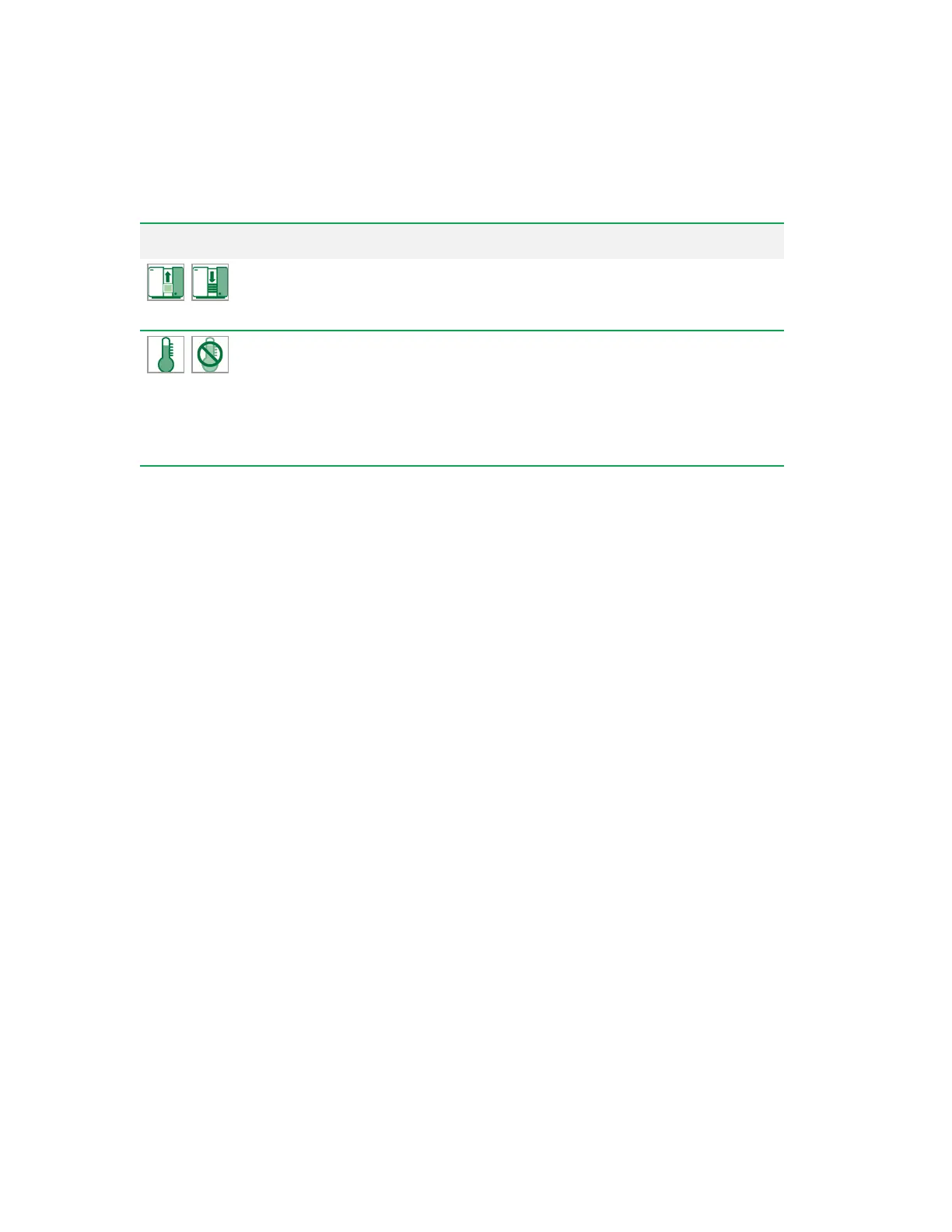
Door Toggle
— indicates position of the loader door. Clicking this button
opens and closes the loader door as long as the system is not actively
acquiring.
Temperature Control
— displays the current temperature of the loader.
The button enables/disables temperature control of the loader. The
temperature can be set between 4–37°C in 1° increments.
If a temperature is set in the Experiment Builder for a particular
experiment, that value overrides any previous number set in the Home
window.
Table 29. System buttons and their functions, continued
Other Toolbar Buttons
Buttons in the toolbar vary depending on the stage of experiment setup and the selected tab.
n For information about buttons for reports, see Reports Tools on page 313.
n For information about toolbar buttons in the Analysis tab, see Analysis Toolbar on page 305.
n For information about toolbar buttons in the Publish tab, see Publish Toolbar on page 310.
98 | ZE5 Cell Analyzer and Everest Software


 To Next Page