Chapter 7 Creating Experiments and Workspaces
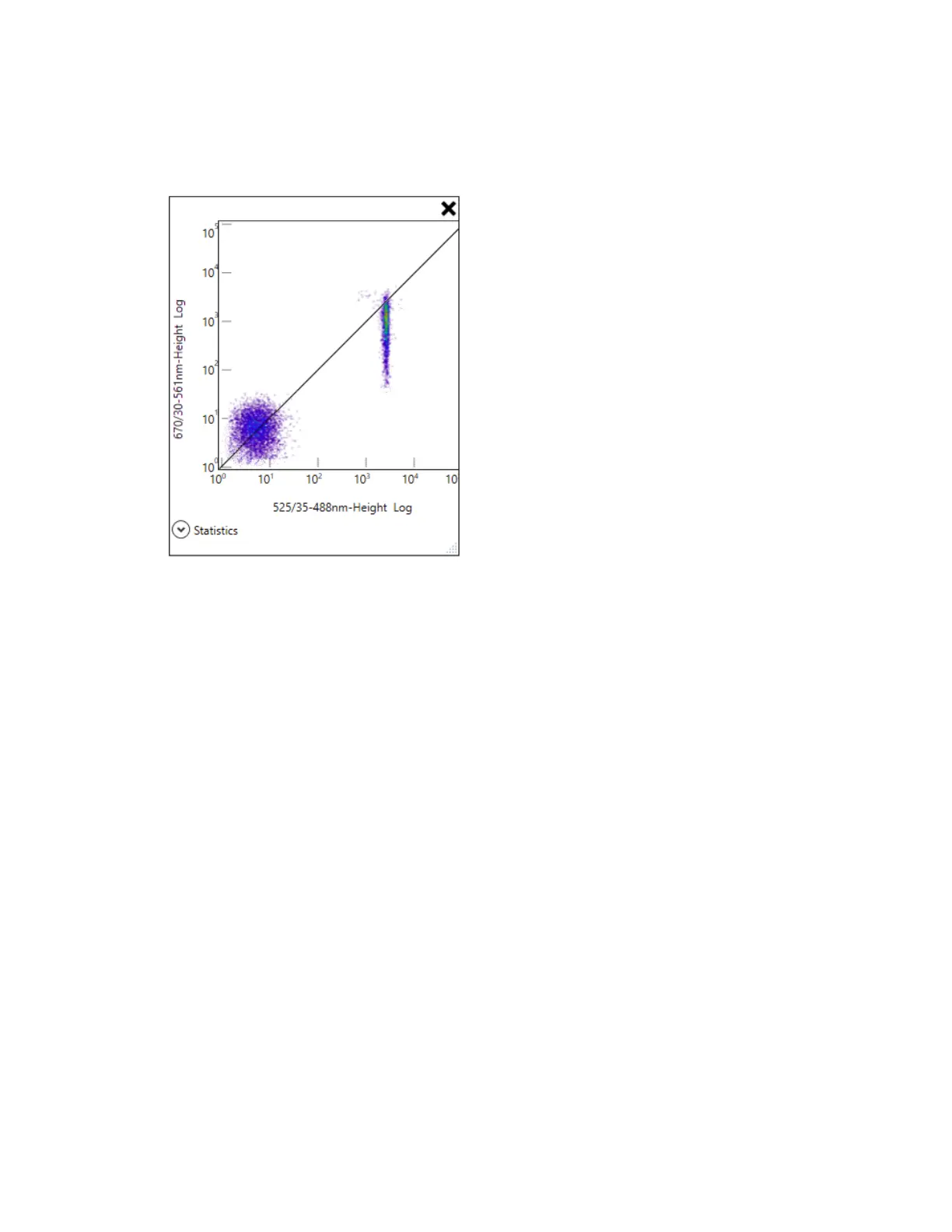
To remove a diagonal separator
1. Point to the plot that contains the separator.
The plot toolbar appears.
2. Click Add Diagonal Separation.
The separator is removed.
Applying a Region to All Plots
Everest Software offers several options to apply regions to other plots or histograms:
n After setting up a rectangle, ellipse, or polygon region on a plot, you can copy this region to all
other plots in the workspace.
n After setting up a bar region on a histogram, you can copy this region to all other histograms in the
workspace.
n After setting up a region on a plot or histogram, you can apply this region as a filter on all other
plots or histograms in the workspace.
Note: The change applies to all plots or histograms in the experiment.
250 | ZE5 Cell Analyzer and Everest Software



 To Next Page