Replacing the QC Beads
Replacing the QC Beads
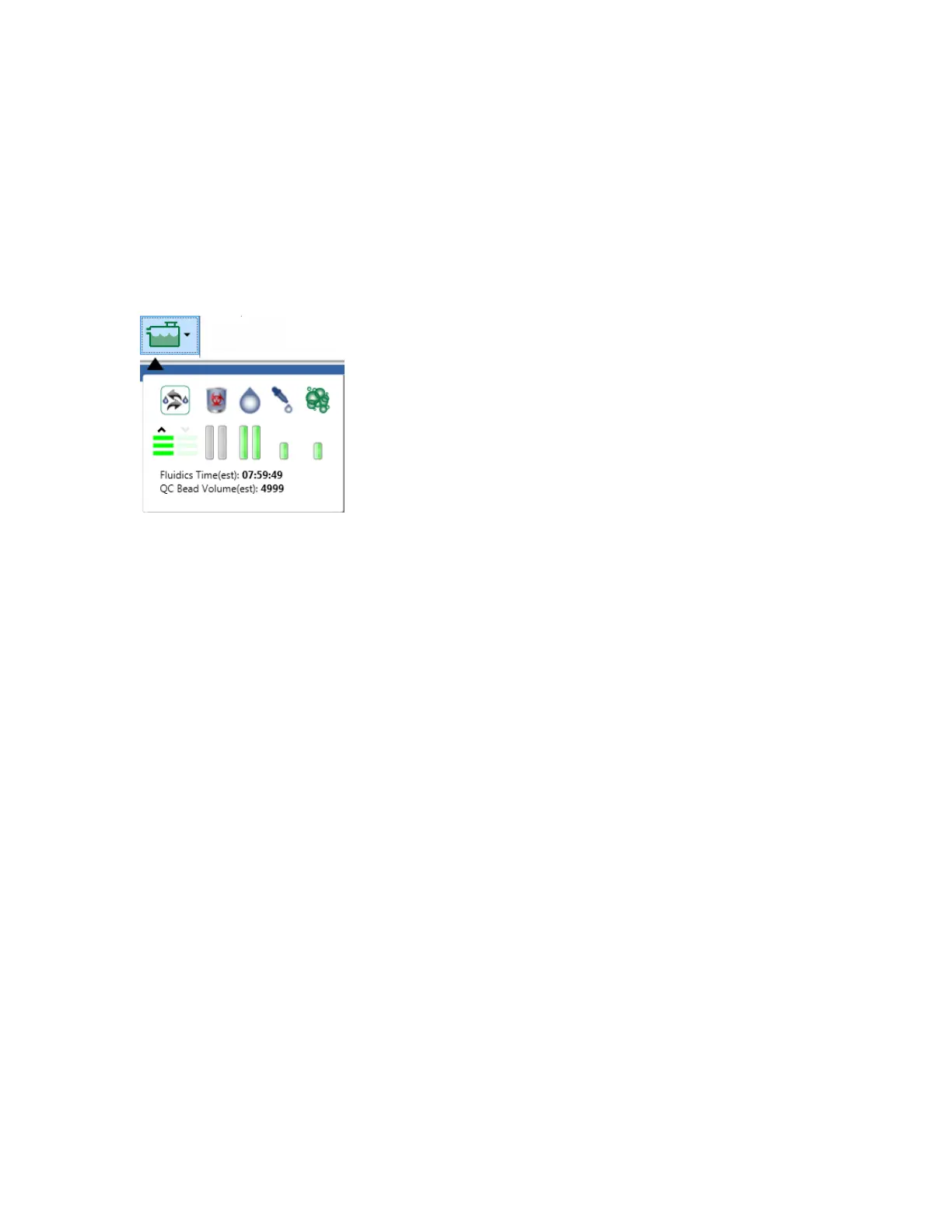
Bio-Rad suggests that you replace the QC beads when the QC calibration bead volume is low (less
than 150 μl), as indicated in the fluidics status. If the fluid level in the calibration bead bottle drops too
low, the system displays air bubble warning messages.
Replacing the QC beads requires the system to re-baseline. Re-baselining establishes a new median
range for CV and PMT voltages in each channel for the new bead lot. Dyed beads have inherent
variation, so calibration must be performed for each lot. The system automatically recalibrates the
instrument after the bead swap is initiated.
Important: Do not mix the contents of QC bead bottles. When replacing QC beads, do not add
drops from the previous bottle to the new bottle.
To replace the beads
1. In the System section of the toolbar, click Swap Beads in the Instrument Tools dropdown list.
User Guide | 335



 To Next Page