Experiment Builder
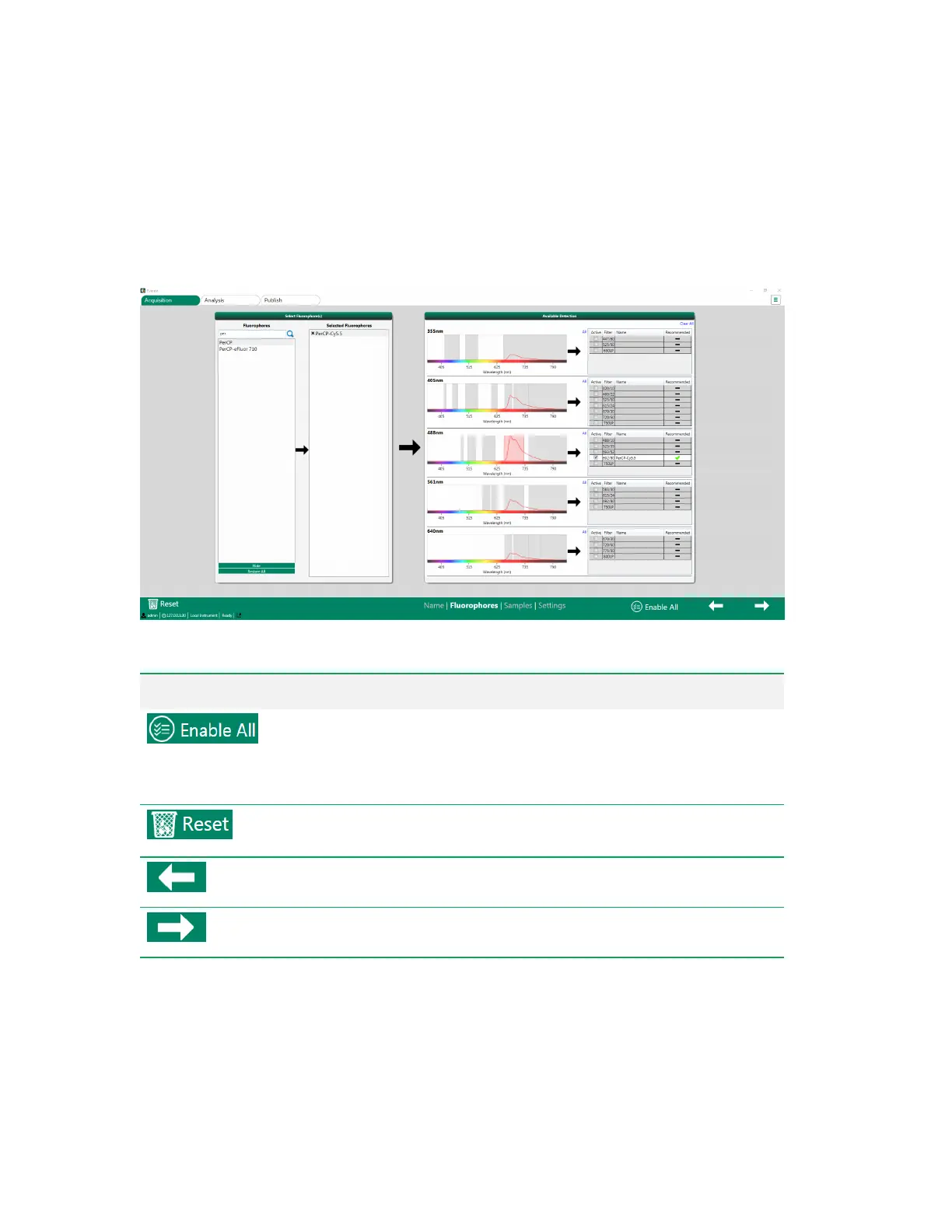
Fluorophores Screen
The Fluorophores screen allows you to select fluorophores and activate parameters (detectors) based
on the instrument’s laser and optical filter configuration.
Item Function
Activates all available detectors.
Note: If the ZE5 Cell Analyzer is configured with a large number of PMTs,
enabling all detectors can create large data files that can be difficult to
handle upon export to other software packages for analysis.
Cancels setup of this experiment. Returns you to the Home window, where you
can start a new experiment.
Returns to the previous (Name) screen.
Moves to the next (Samples) screen.
Table 14. Fluorophores screen items and their functions
User Guide | 65



 To Next Page