Appendix B Example 9-Color Immunophenotyping Experiment
Acquiring Initial Data
After you create the plots, acquire some data in Setup mode so that you can adjust PMT voltages.
Events viewed in Setup mode will not be saved to FCS files. After making adjustments, you can
proceed to Acquisition mode.
1. Load the controls and samples onto the instrument.
2. Click Apply.
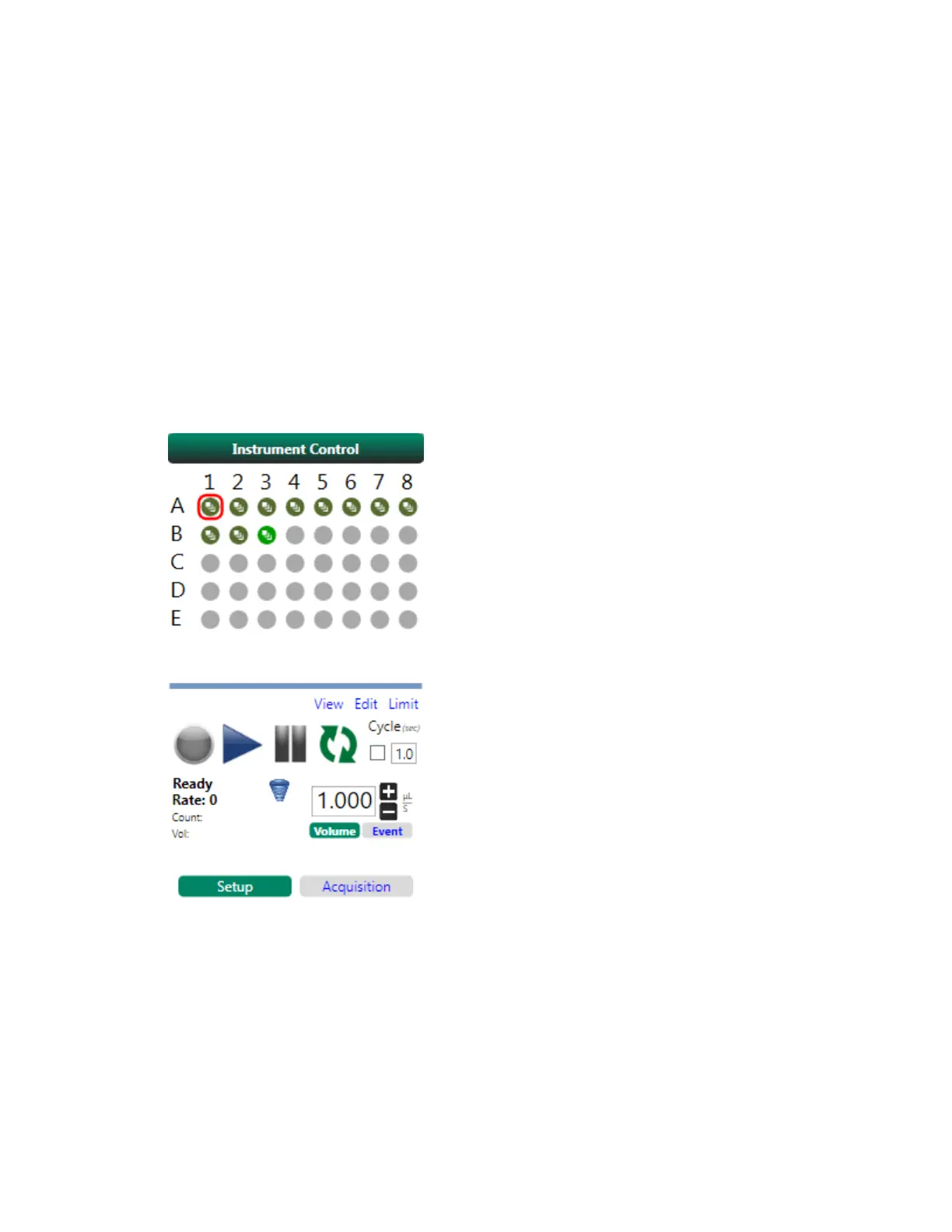
3. Click the first position in the template.
This is the position from which the instrument will start sampling.
4. In the Instrument Control panel, ensure that Setup mode is active.
5. Click Play.
The system displays plots in the workspace.
368 | ZE5 Cell Analyzer and Everest Software



 To Next Page