Acquiring Initial Data
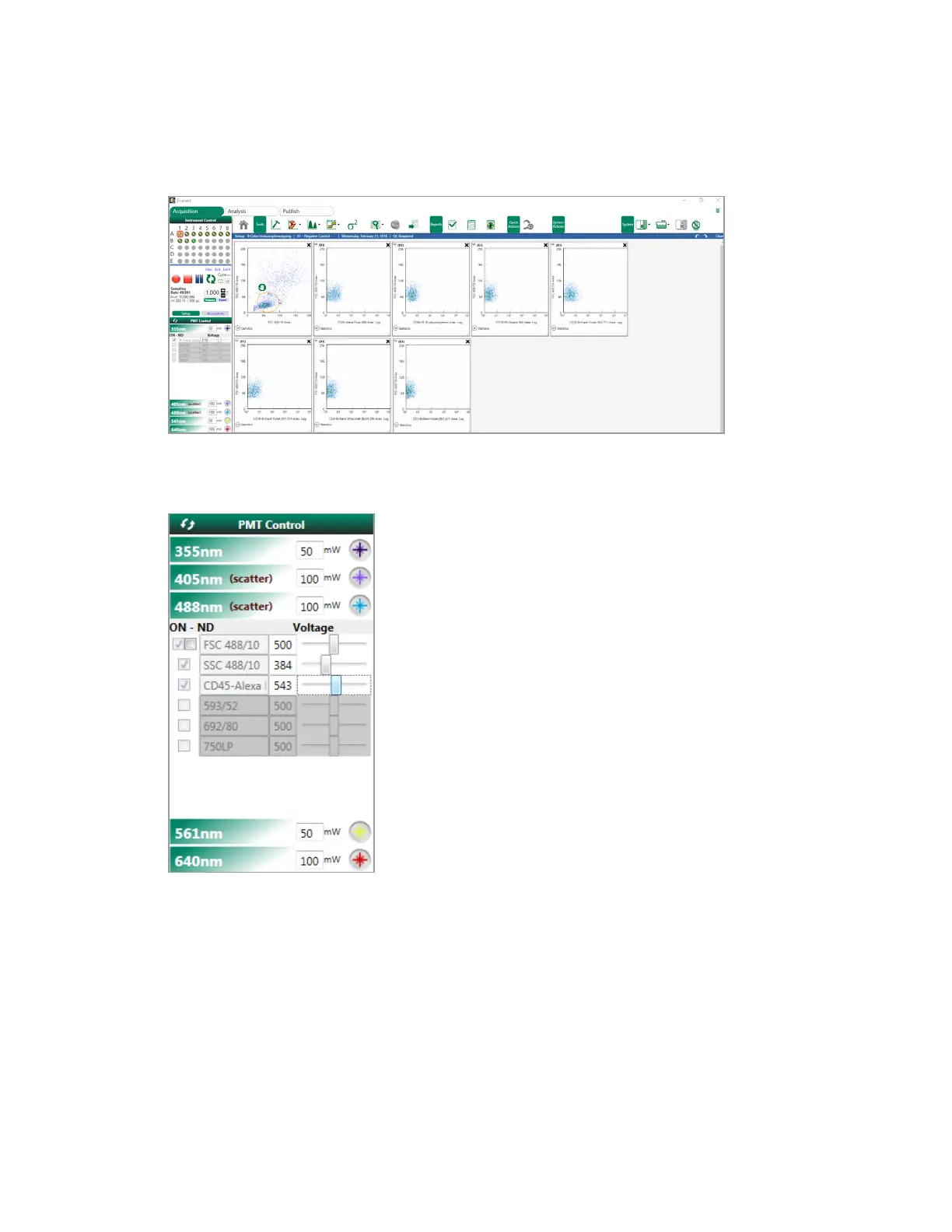
6. In the FSC/SSC plot, position the gate over the relevant part of the sample population.
7. In the PMT Control panel, adjust PMT voltages to position the population.
8. After setting up gates and voltages, click Record to save data for the sample.
This clears existing data, disables PMT adjustment, and starts saving a data file. Data are
acquired until the set limit is reached or until you click Stop; sampling does not proceed
automatically to the next position.
9. Repeat Step 5 through Step 8 for other samples as needed.
User Guide | 369



 To Next Page