Appendix B Example 9-Color Immunophenotyping Experiment
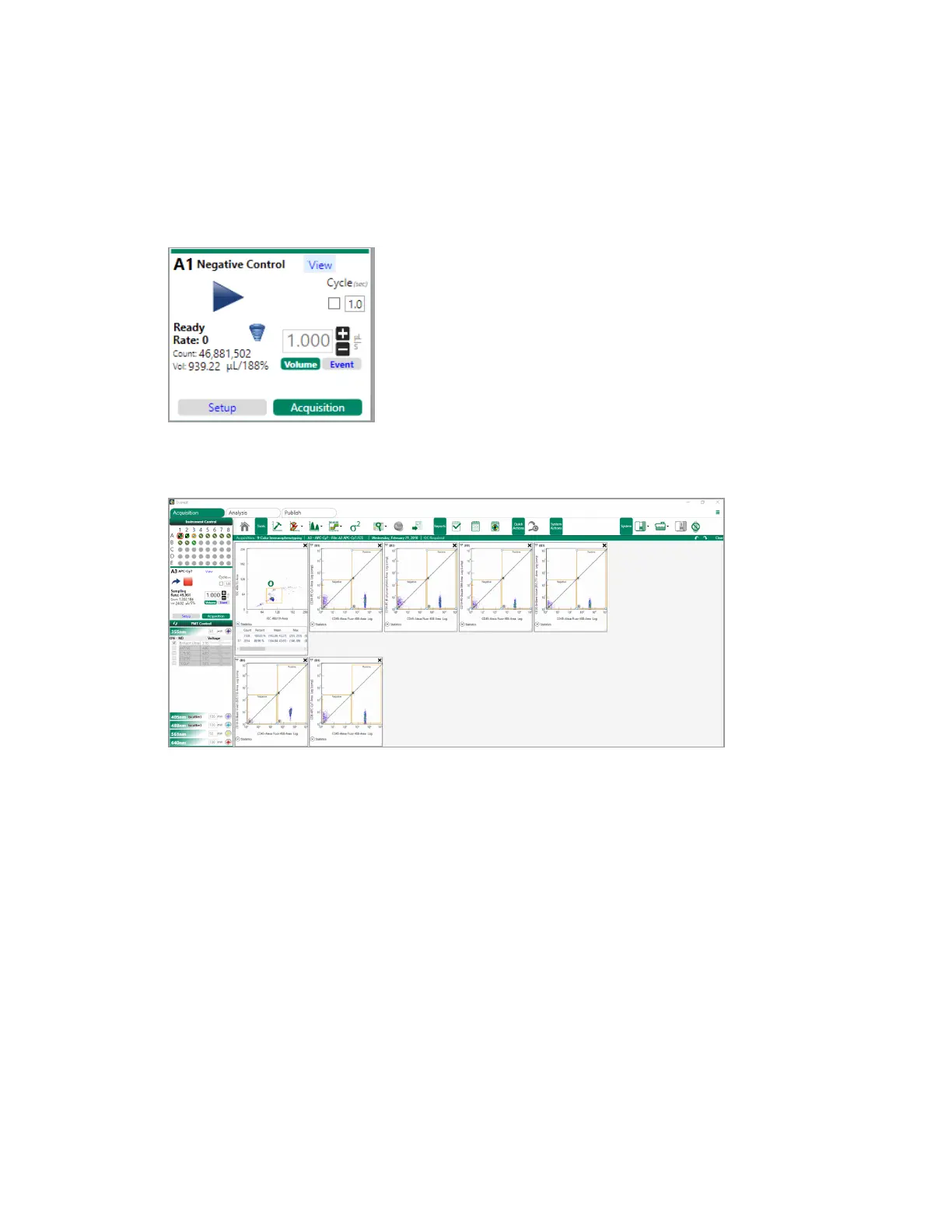
10. When you are satisfied with the setup plots, click Acquisition to put the system in Acquisition
mode.
11. Click Play to start acquiring data.
The run list automatically advances to the next sample when the gate limit is reached.
12. To adjust a gate during the run, click inside the region and drag the gate to include the relevant
part of the sample.
Because Pause After was selected, after acquiring data for the controls, the instrument pauses to
allow you to apply auto compensation before running the fully stained sample.
Note: A check mark appears on the control positions in the Instrument Control panel to show
that they have been acquired.
370 | ZE5 Cell Analyzer and Everest Software



 To Next Page