Chapter 4 Everest Software
Experiment Builder
Clicking New Experiment starts the Experiment Builder, which guides you through experiment setup
using four sequential screens.
Screen Description
Name
Allows you to assign a unique name to the experiment.
Fluorophores
Guides you in selecting fluorophores and choosing the appropriate detection
channels.
Samples
Facilitates configuration of the sample media required for the experiment, as
well as the acquisition settings for each control and sample.
(Workspace)
Settings
Facilitates setup of the workspace, where you can create plots, enable lasers,
adjust PMT voltages, and set the trigger/threshold as needed.
Table 13. Experiment Builder screens
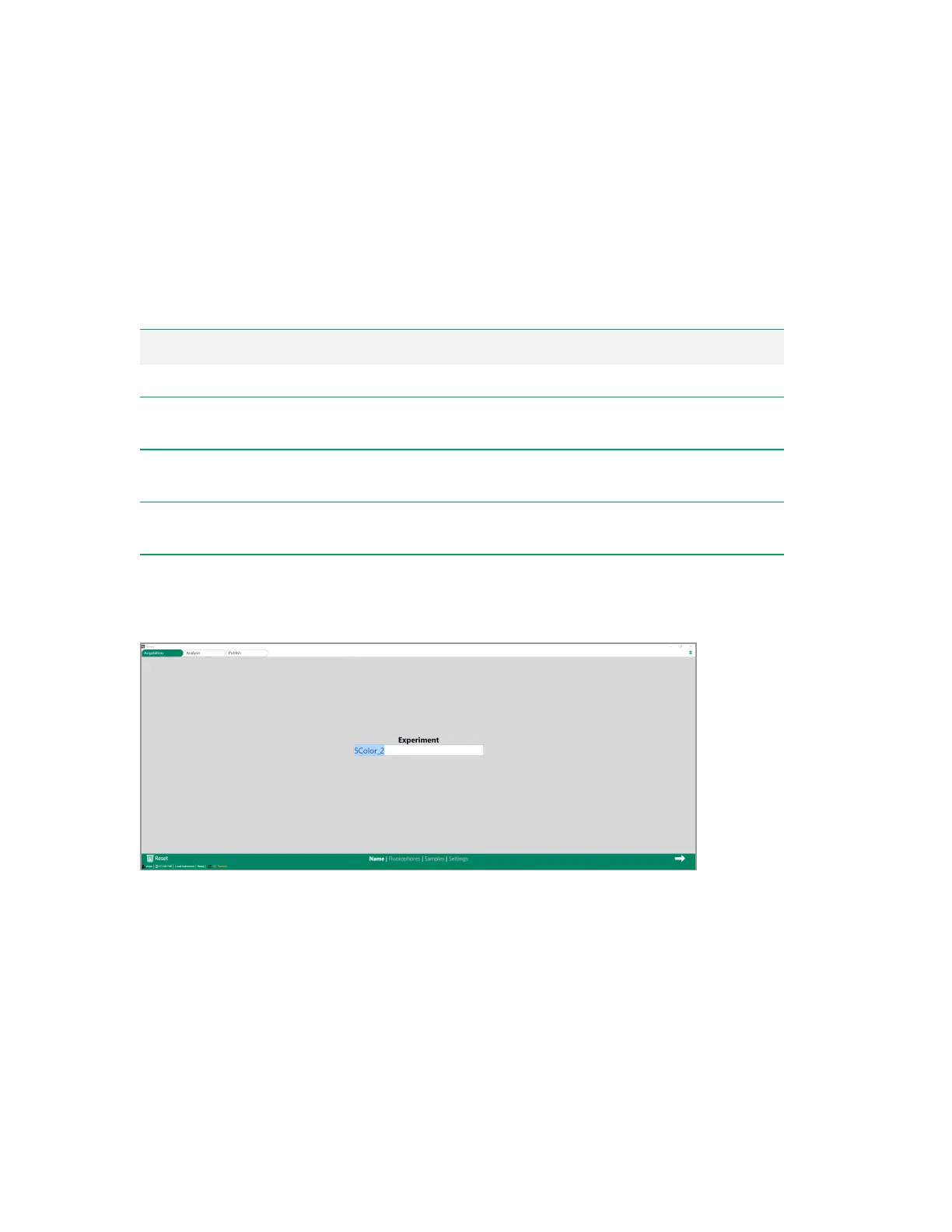
Name Screen
The Name screen allows you to assign a unique name to the experiment.
64 | ZE5 Cell Analyzer and Everest Software



 To Next Page