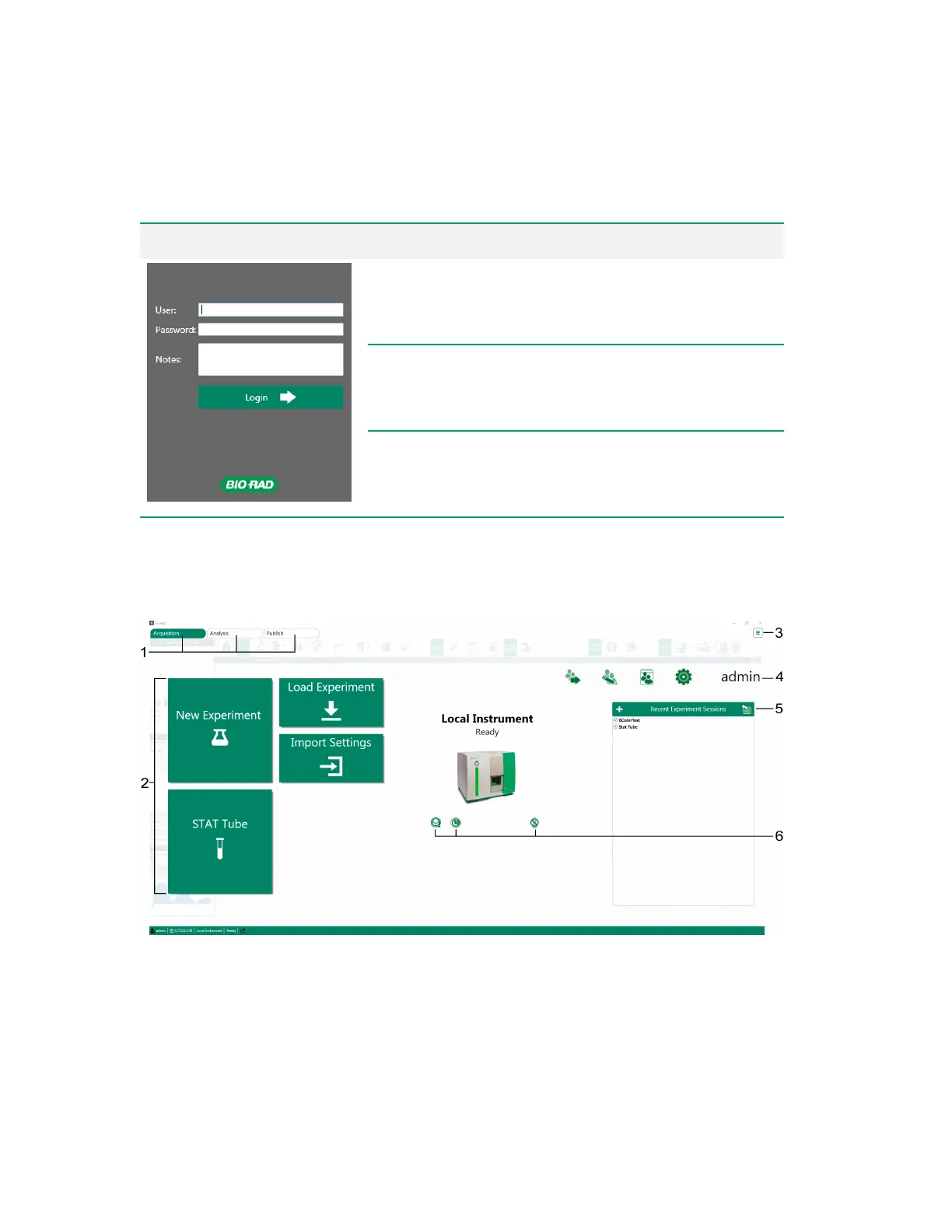
Home Window
User Login panel Item Function
User
Enter your user name as set up by your system
administrator.
Password
Enter the password for this user name.
Notes
Enter any notes for this session. Notes appear in the
user reports available to administrators.
Table 7. User login items and their functions
Home Window
The Home window appears after you log in to the system.
User Guide | 57



 To Next Page