Chapter 7 Creating Experiments and Workspaces
Setting Up Keywords
Everest Software also includes custom keyword functionality. These keywords are written to the FCS
file during acquisition and can be used for batch processing in third-party analysis software.
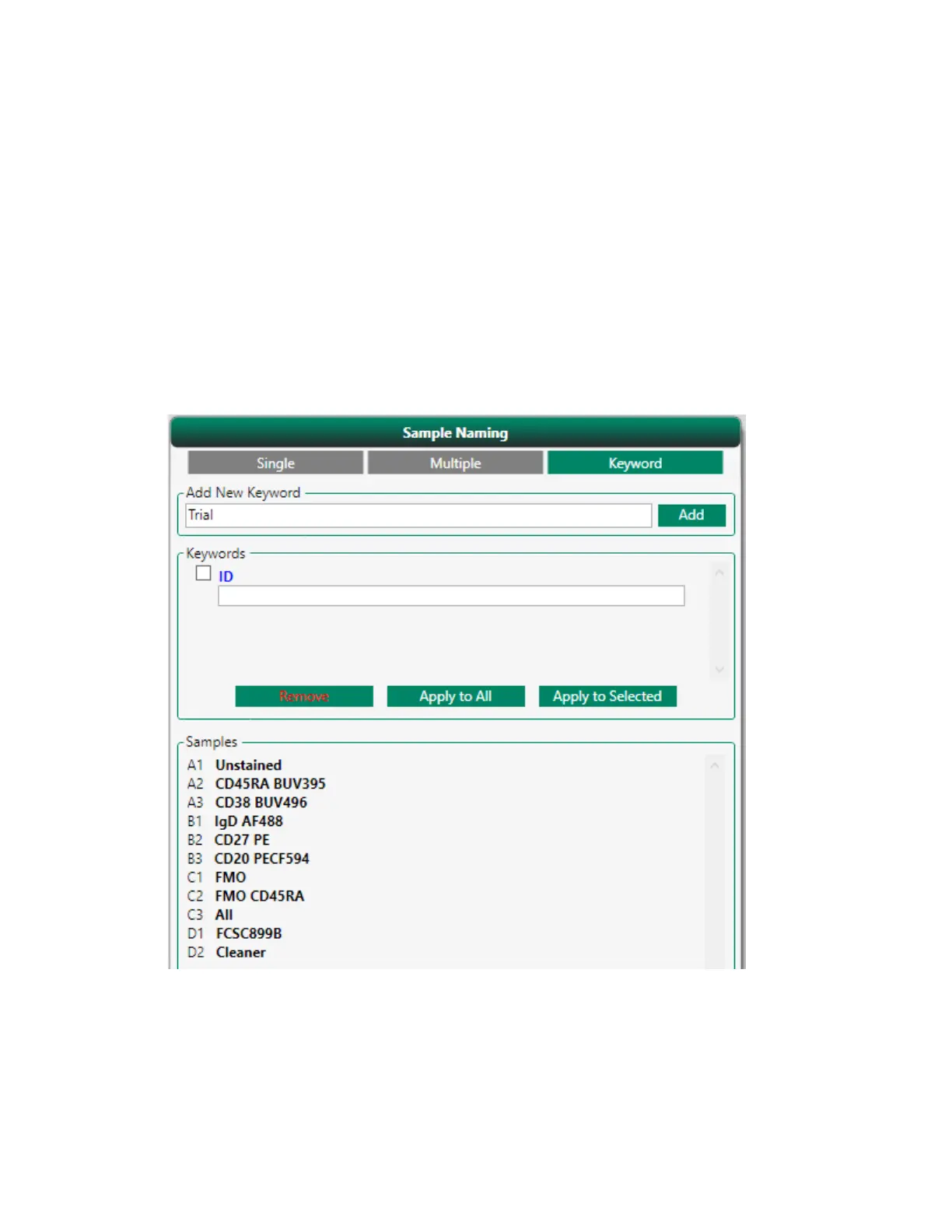
To set up keywords
1. In the Sample Naming panel, click the Keyword tab.
2. Type a keyword in the Add New Keyword box and click Add.
The keyword appears in the Keywords area.
3. Repeat Step 2 for additional keywords that you want to add.
190 | ZE5 Cell Analyzer and Everest Software



 To Next Page