Chapter 7 Creating Experiments and Workspaces
PMT and Laser Controls
In this section of the Instrument Control panel, you can modify settings related to lasers and their
associated detectors.
Item Function
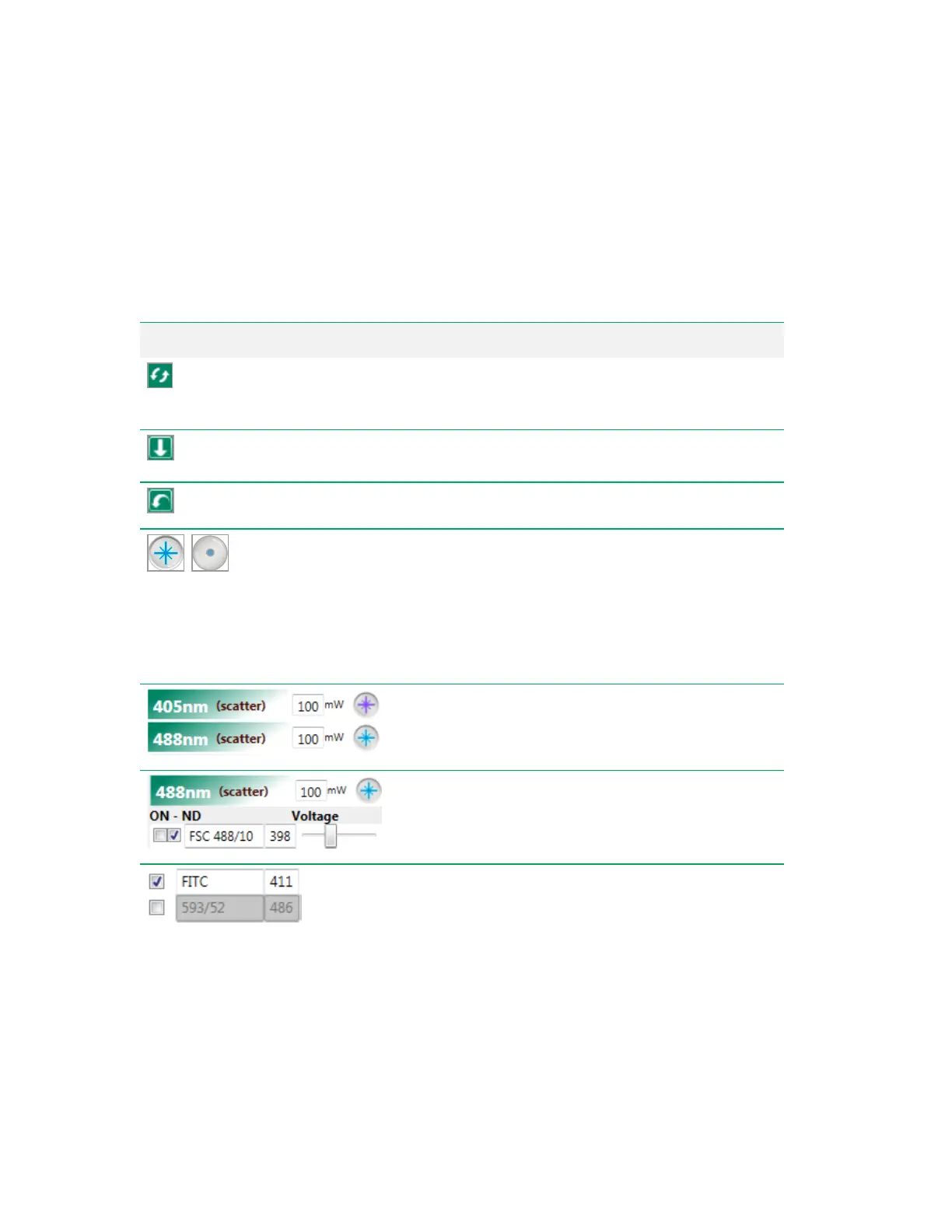
Display filter numbers/detector names
— toggles
between detector filter numbers and detector names for each of
the lasers in the system.
Load voltages
— loads PMT voltages from a run list file that
you browse to and select.
Reset voltages
— resets PMT voltages to default values.
Open/close laser shutter
— controls the laser shutter.
When this button is gray, the laser is not delivering light to the
flow cell.
Note: The shutter must be open to allow parameter
selection from that laser. The shutter automatically closes
if no parameters for the laser have been selected in the
Experiment Builder.
Edit laser power
— allows you to specify power settings for
individual lasers, in steps, from 10 mW to the maximum power
output.
Neutral density checkboxes
— if selected, a 2.0 ND filter
is moved in front of the forward scatter detector. For more
information, see Optical Mirror and Filter Types on page 39.
Select parameter for acquisition
— allows you to select
and name acquisition parameters. If a parameter is not
selected, the box remains unselected, appears gray, and is not
acquired or included in the FCS data file.
Table 38. PMT and Laser Control Items
258 | ZE5 Cell Analyzer and Everest Software



 To Next Page