Chapter 6 Daily Routine
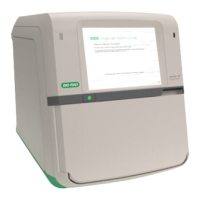
The external light turns on when the door is open.
The button also controls the inner chamber light when the door is closed.
To turn the internal illumination on and off
u Press and hold the silver sample chamber button.
Running Experimental Samples
At this point in the daily routine, you can run experimental samples.
n For information on applying compensation, see Chapter 9, Applying Fluorescence Compensation
and Appendix B, Example 9-Color Immunophenotyping Experiment.
n For information on acquiring experimental samples, see Chapter 8, Acquiring Samples.
Pausing the System
To conserve bulk fluidics and prolong laser lifetime, you can pause the system.
Important: While the system is paused, the following functions are disabled:
n All functions in the Instrument Control, PMTControl, and Trigger panels
n Initiating the ZE5-EYE process
n Running the QCprocess
n Shutting down Everest Software and the ZE5 Cell Analyzer
n In the Instrument tools:
o Cleaning the sample line and probe
o Unclogging the sample line, probe, and flow cell
o Swapping QCbeads
The software enables these functions when the system is restarted.
To pause the system
u In the System section on the Acquisition workspace toolbar, click Pause System.
160 | ZE5 Cell Analyzer and Everest Software



 To Next Page