Using Plot and Histogram Tools
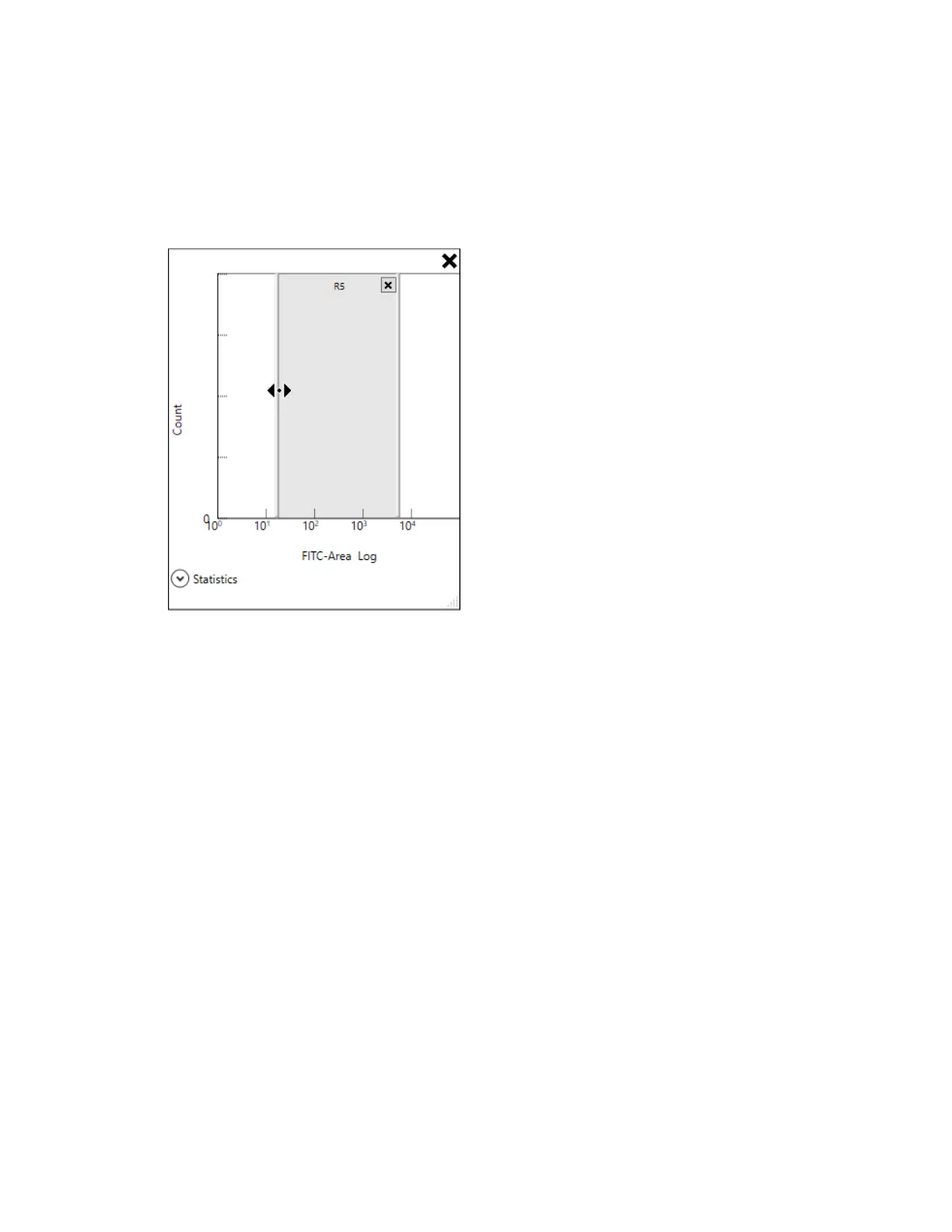
When the pointer changes to a black double-headed arrow, use it to drag an edge of the bar
region.
To delete a bar region
u Click the x that appears in the upper right of the region.
Renaming Regions
You can rename regions created in plots or histograms. Bio-Rad recommends that you rename
regions before you base gates on the regions.
To rename a region
1. Double-click the region name.
The region name is selected.
2. Type new name and press Enter.
Tip: If a region name overlaps another plot feature such as a rotation arrow or gate limit symbol,
you can drag the region name to move it.
User Guide | 235



 To Next Page