Setting Up the Run List
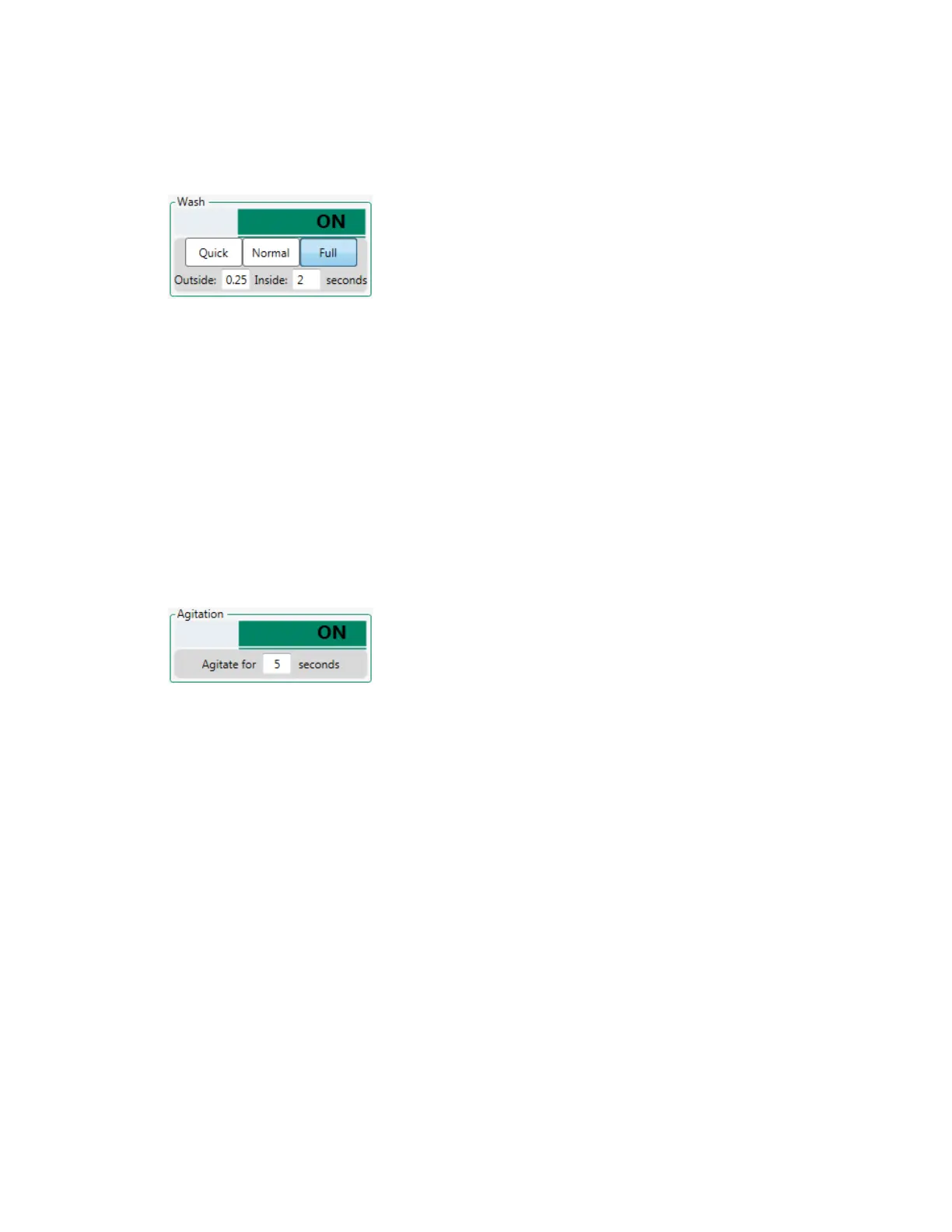
Important: Bio-Rad highly recommends that you include a wash step for all positions, especially
when using high-throughput sampling mode.
Activating Agitation
For information on agitation settings, see Agitation Settings on page 194.
To activate agitation
1. In the plate map, select the relevant positions.
Note: Agitation is performed before acquisition of a position.
2. Click the Agitation button.
3. Enter the agitation time.
Positions for which agitation is activated are marked with an image in the plate map. For more
information, see Position Images on page 76.
Specifying Flow Rate or Event Rate
A volumetric target flow rate or target event rate must be assigned for all samples. By default, a rate of
1μl/sec is assigned when positions are activated. See Flow Rate or Event Rate Settings on page 196
for information about the flow rate options.
Note: In a high-throughput run, all samples must use the same target flow rate.
To specify a target flow rate
1. In the plate map, select the relevant positions.
2. In the Rate area, verify that Volume is selected.
3. To change the target flow rate, do one of the following:
n Click the appropriate flow rate option.
User Guide | 203



 To Next Page