Chapter 7 Creating Experiments and Workspaces
Applying Filters (Gates) Using Multiple Regions
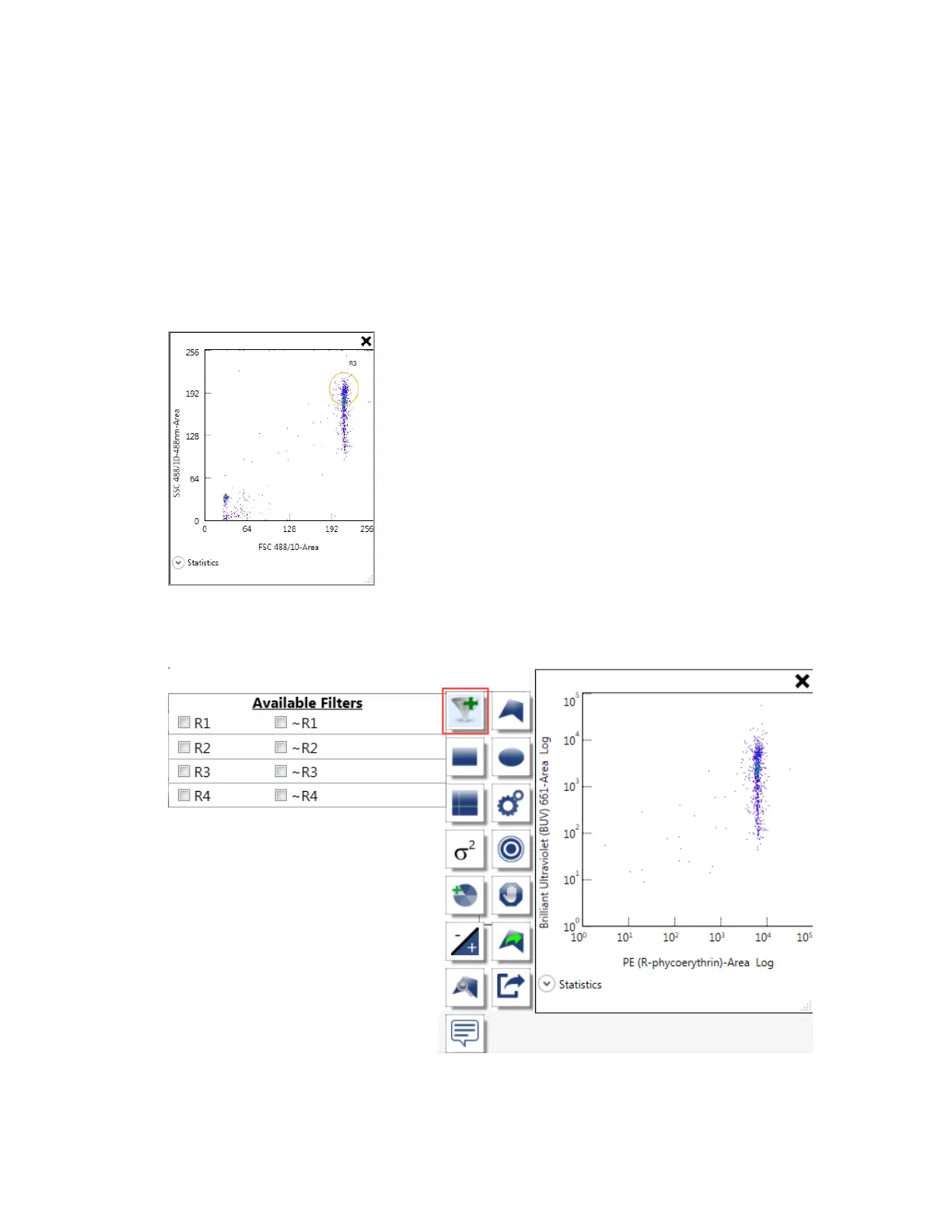
By applying filters sequentially, you can create a filter (gate) that uses multiple regions.
To apply sequential filters to a plot or histogram
1. Create a region on a plot or histogram.
2. Point to a second plot and click Apply Filter in the plot and histogram toolbar.
A list of available filters appears.
238 | ZE5 Cell Analyzer and Everest Software



 To Next Page