Chapter 8 Acquiring Samples
For information about the types of files produced during acquisition, see File Types in Everest
Software on page 301.
Loading Sample Media
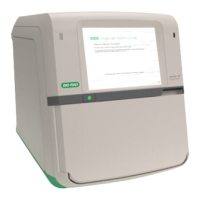
After configuring your experiment in the Everest™ Experiment Builder and applying it, load your
samples into the instrument.
To load a sample
1. Press the silver sample chamber button on the front of the instrument to extend the loader.
2. Install a tube rack, plate, or stat tube on the loader in the appropriate position, depending on the
workspace that has been created for the experiment.
Note: Ensure that any inserted tube rack or plate is oriented correctly, with position A1 in the
front left corner.
User Guide | 275



 To Next Page