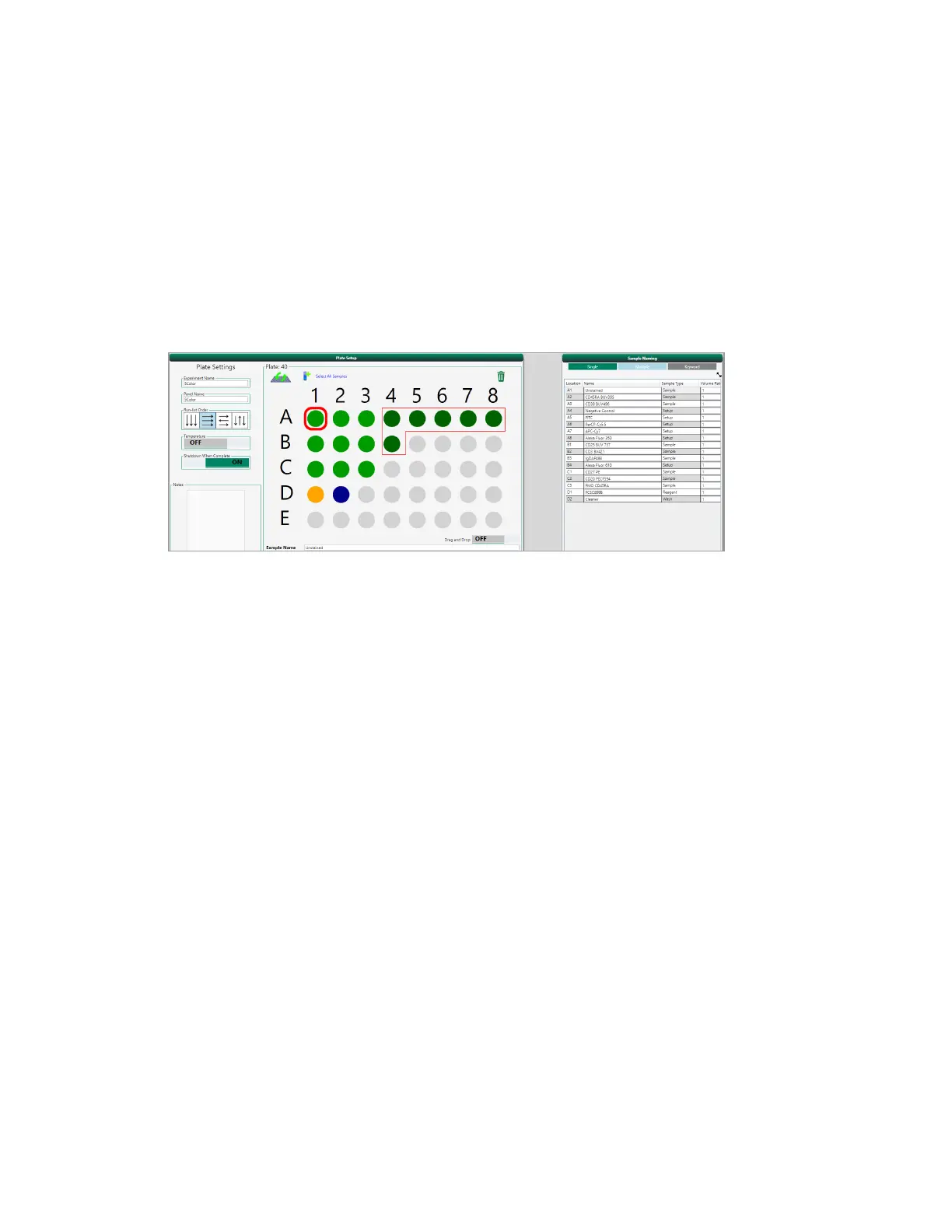
Setting Up the Run List
3. To use this negative control as a universal negative in automatic compensation calculations,
select the Use Universal Negative checkbox.
4. To automatically create compensation control positions in the plate setup, click the Compensation
toggle so that it is ON.
In the plate map, positions are filled with controls starting with the first available well; each control
has a designated workspace.
Labeling Positions Manually
The Single tab in the Sample Naming panel allows you to label individual positions one at the time.
You can name positions as needed. Names are written to the FCS file associated with each position.
Note: If you turned on Compensation in the Selected Fluorophores panel, the compensation
template automatically names each Setup position based on the corresponding fluorophore
name.
To label positions manually
1. In the plate map, click the sample to label.
2. Do one of the following:
n Type a name in the Sample Name box below the plate map.
Tip: To assign the same name to multiple samples, select them in the plate map.
User Guide | 183



 To Next Page