Logging In
7. Attach the cap assembly tubing to the connector on the instrument.
Tip: An audible click indicates that the tubing is connected. If you do not hear a click, salt
might have built up on the connector. Remove salt using a paper towel moistened with DI
water.
Important: Ensure that the bottle cap is firmly tightened; otherwise, leakage might occur.
Logging In
The login window is divided into two panes: Instrument Status and User Login, as described in Login
Window on page 56.
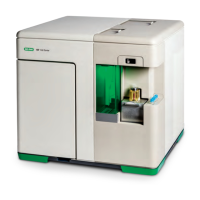
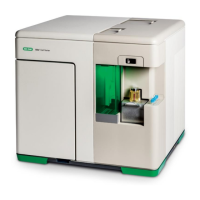
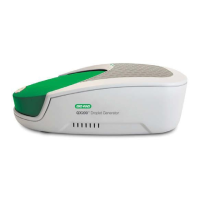
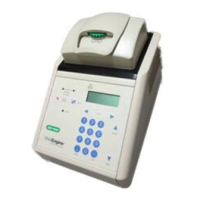
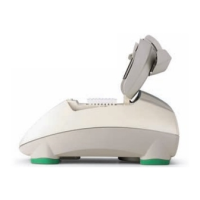
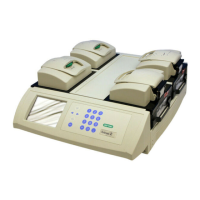
If the software is connected to an instrument, an instrument picture appears in the Instrument Status
pane. Before proceeding, check the instrument status:
n A status of Ready indicates that the system has been started up and is running.
n A status of Off indicates that the instrument has been shut down and is not running.
You can refill fluidics before logging in; you must log in before you can manually run the QC process
or run samples.
To log in to Everest Software
1. Enter your user name and password.
User Guide | 151


 To Next Page