Appendix B Example 9-Color Immunophenotyping Experiment
Analyzing or Exporting Final Data
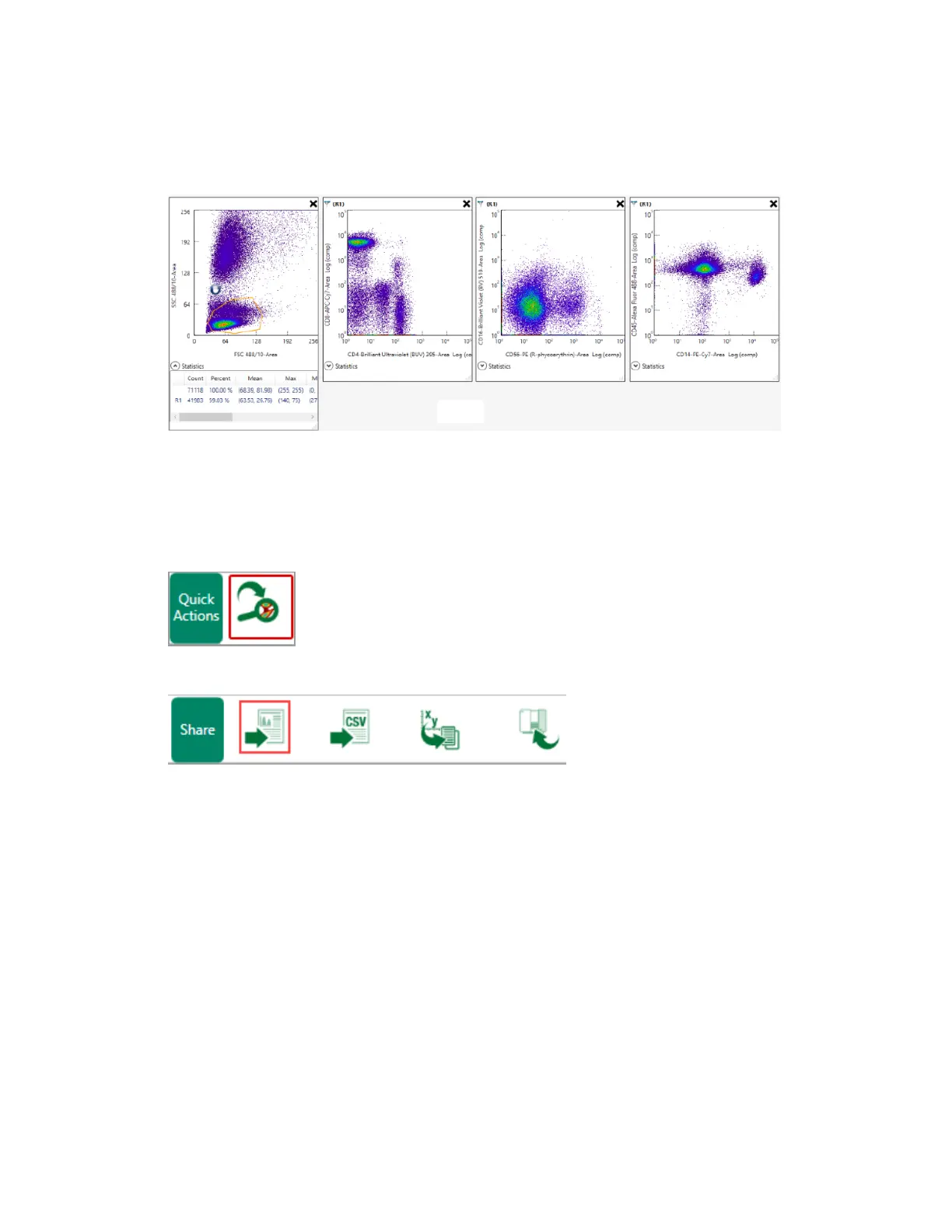
From the Analysis tab, you can export data for analysis in third-party software.
1. Click Analyze.
2. On the Analysis tab, click Export analyze data using third-party software.
Tip: You can also export data from the Local Instrument tab.
3. Select an export option and click Export.
Note: Everest Software exports one FCS file per acquired control or sample.
For more information about exporting data files, see Exporting FCS and RLST Data Files on page
288.
376 | ZE5 Cell Analyzer and Everest Software



 To Next Page