Home Window
Option Function
Edit
Opens the run list in the Experiment Builder so that you can modify it.
Import
Copies fluorophores, parameter names, instrument settings, plots, and the compensation
matrix from the run list into the new experiment. It does not copy sample positions.
Table 11. Recent Experiment Sessions options and their functions, continued
Quick Actions
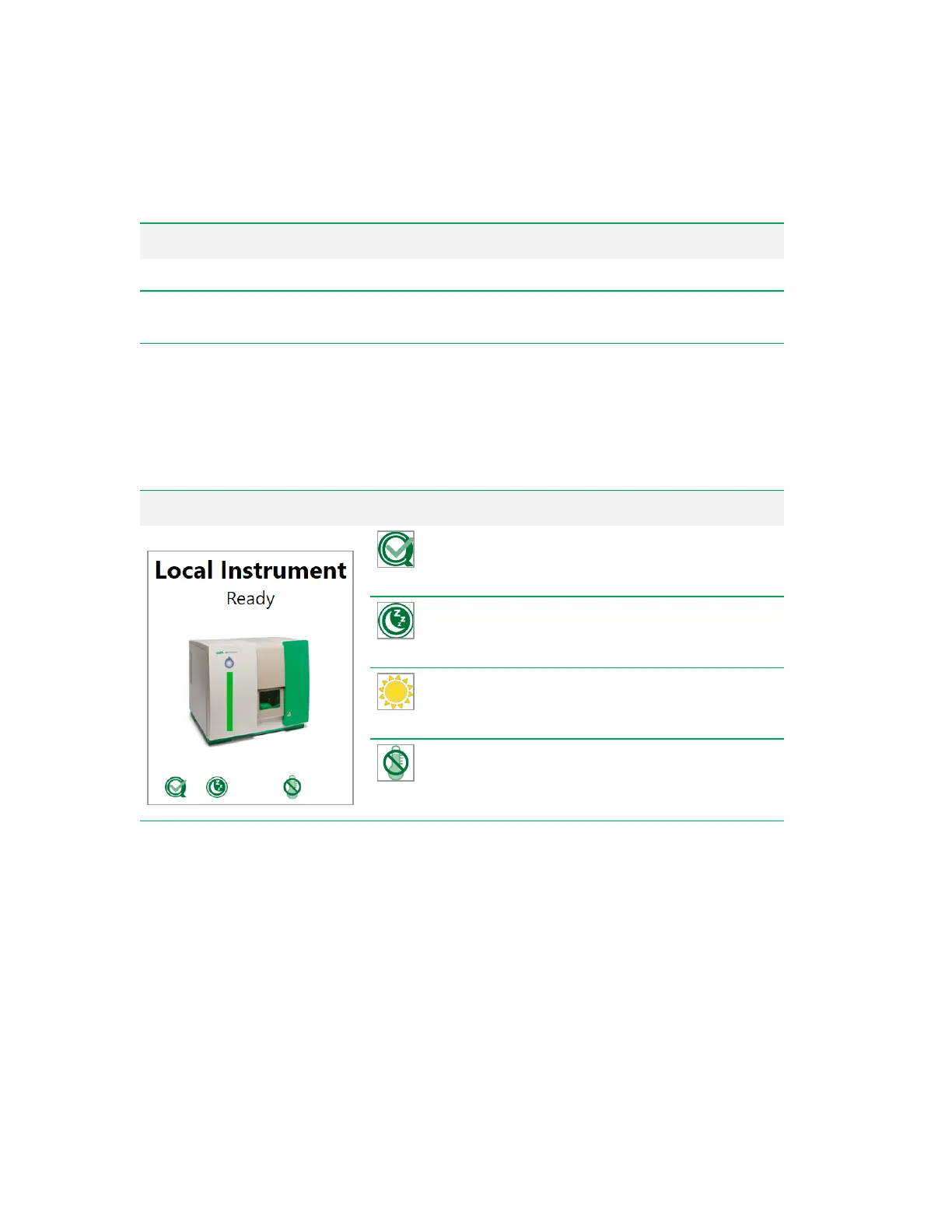
The Home window includes the following quick-action items that appear depending on the state of the
instrument.
Quick-action area Item Function
QC
— initiates the QC process. See
Running Quality
Control on page 156.
Shutdown
— displayed if the system has been
started up. See Shutting Down on page 161.
Startup
— displayed if the system has not yet been
started up. See Starting Up the System on page 152.
Temperature Control
— enables and disables
precise temperature control of the sample loader from
4 to 37°C.
Table 12. Quick-action items and their functions
User Guide | 63



 To Next Page