Chapter 10 Analyzing, Saving, and Printing Data
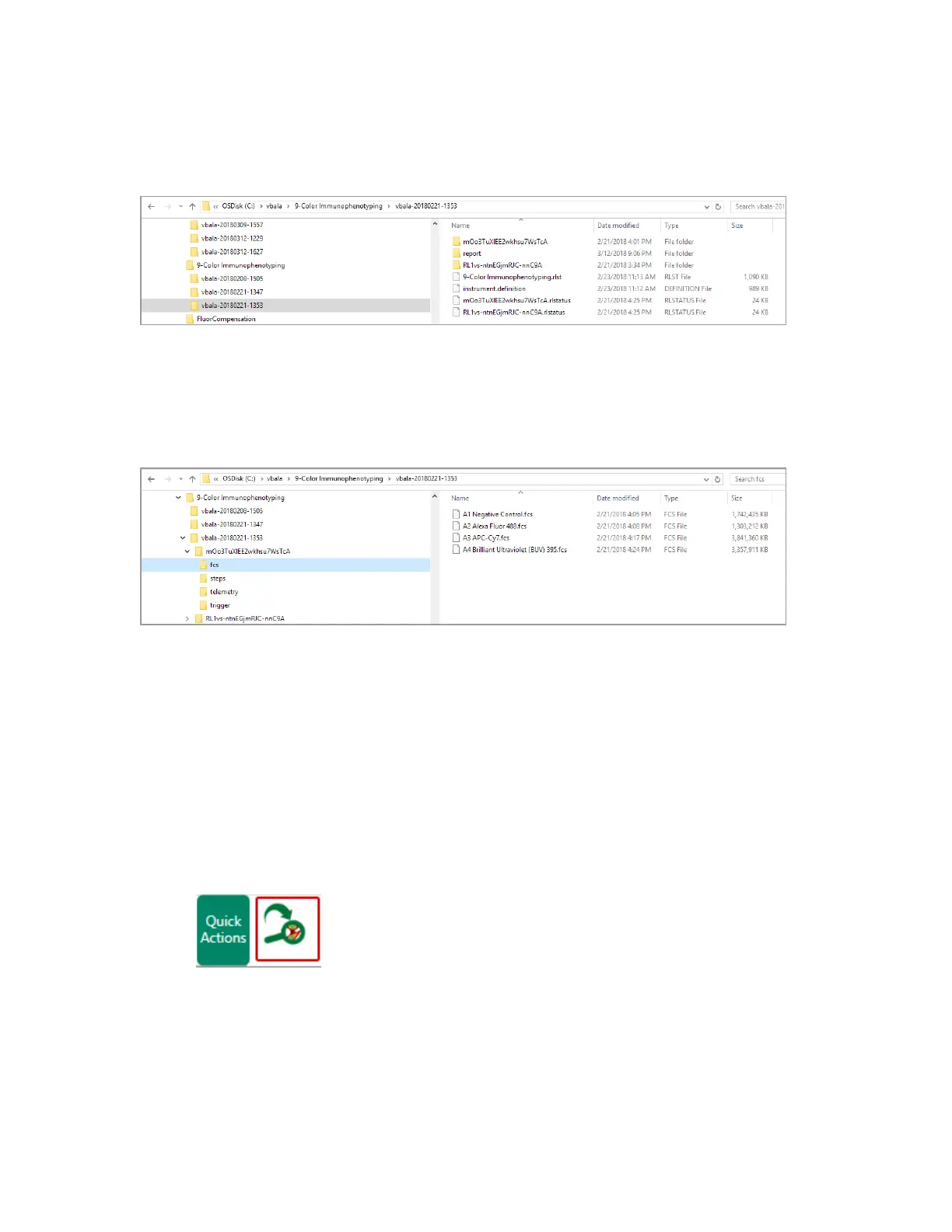
Multiple subfolders are created when sample acquisition is paused (or stopped) and resumed within
an experiment session. Each subfolder is named with a 22-character global unique identifier (GUID),
and can contain a folder containing FCS data.
The FCS folder appears only if the session included sample acquisition with data recording. It
contains an FCS file for each position.
Analyzing Data
After running an experiment in the Acquisition tab, you can analyze it in the Analysis tab.
Note: Wait for acquisition to complete or stop acquisition before moving data to analysis.
To access the Analysis tab
1. Acquire data in the Acquisition tab.
2. Do one of the following:
n Click Analyze in the Quick Actions section of the toolbar.
n Click the Analysis tab.
302 | ZE5 Cell Analyzer and Everest Software



 To Next Page