Resuming Acquisition
Resuming Acquisition
After applying compensation, acquire sample again.
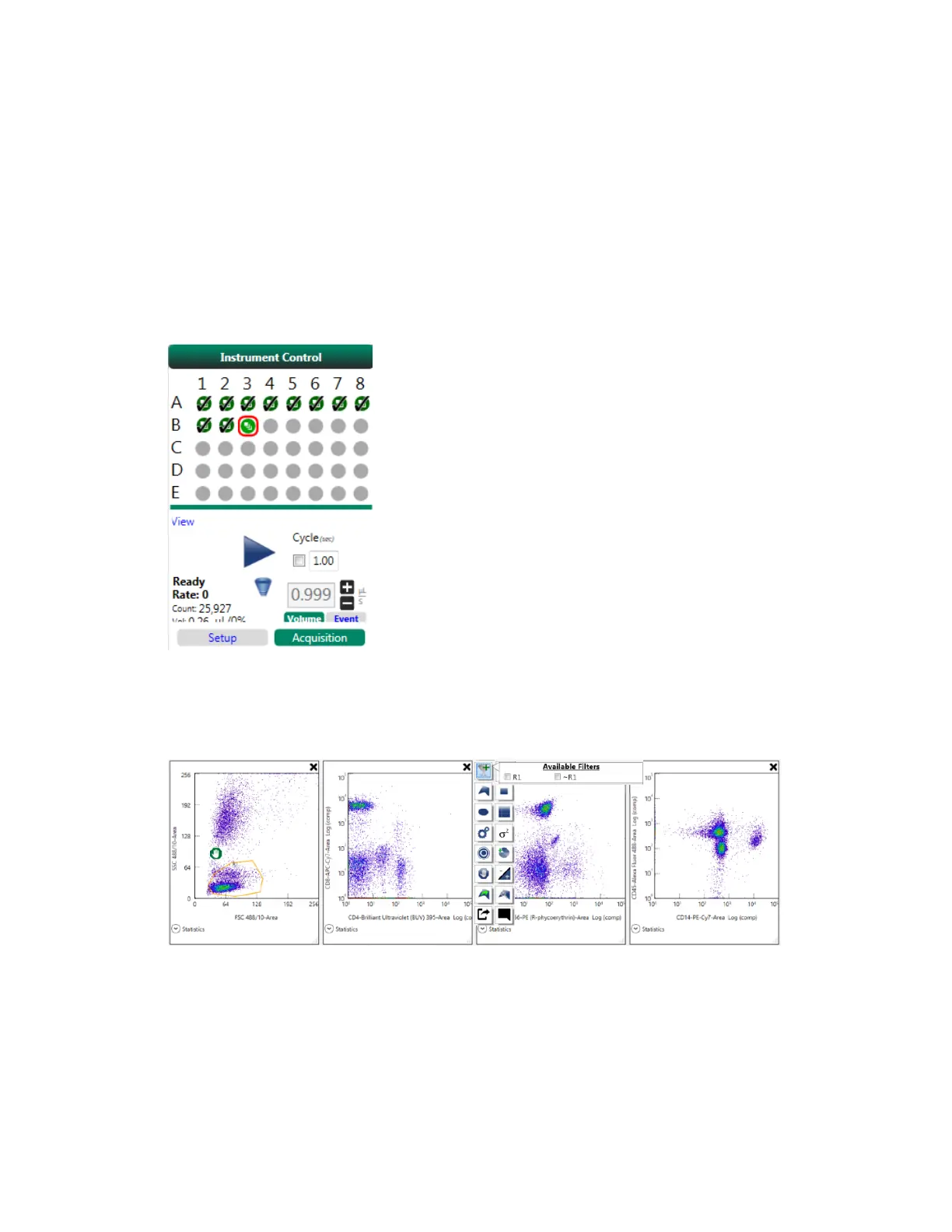
1. In the Instrument Control panel, ensure that Acquisition Mode is active.
2. In the plate map, click the sample position from which acquisition should resume.
3. Click Play to start acquiring data from the fully stained sample.
4. To ensure that the gate is applied to all of the plots, click the filter tool in each plot and select R1.
The filter is applied to each plot.
User Guide | 375



 To Next Page