Chapter 7 Creating Experiments and Workspaces
Setting Up Multiple Panels
You can use the Panels feature in Everest Software to set up multiple experimental panels on a single
plate or tube rack. The panels within an experiment are displayed at the center bottom of the Settings
screen. For more information about multipanel experiments, see Multipanel Experiments on page 87.
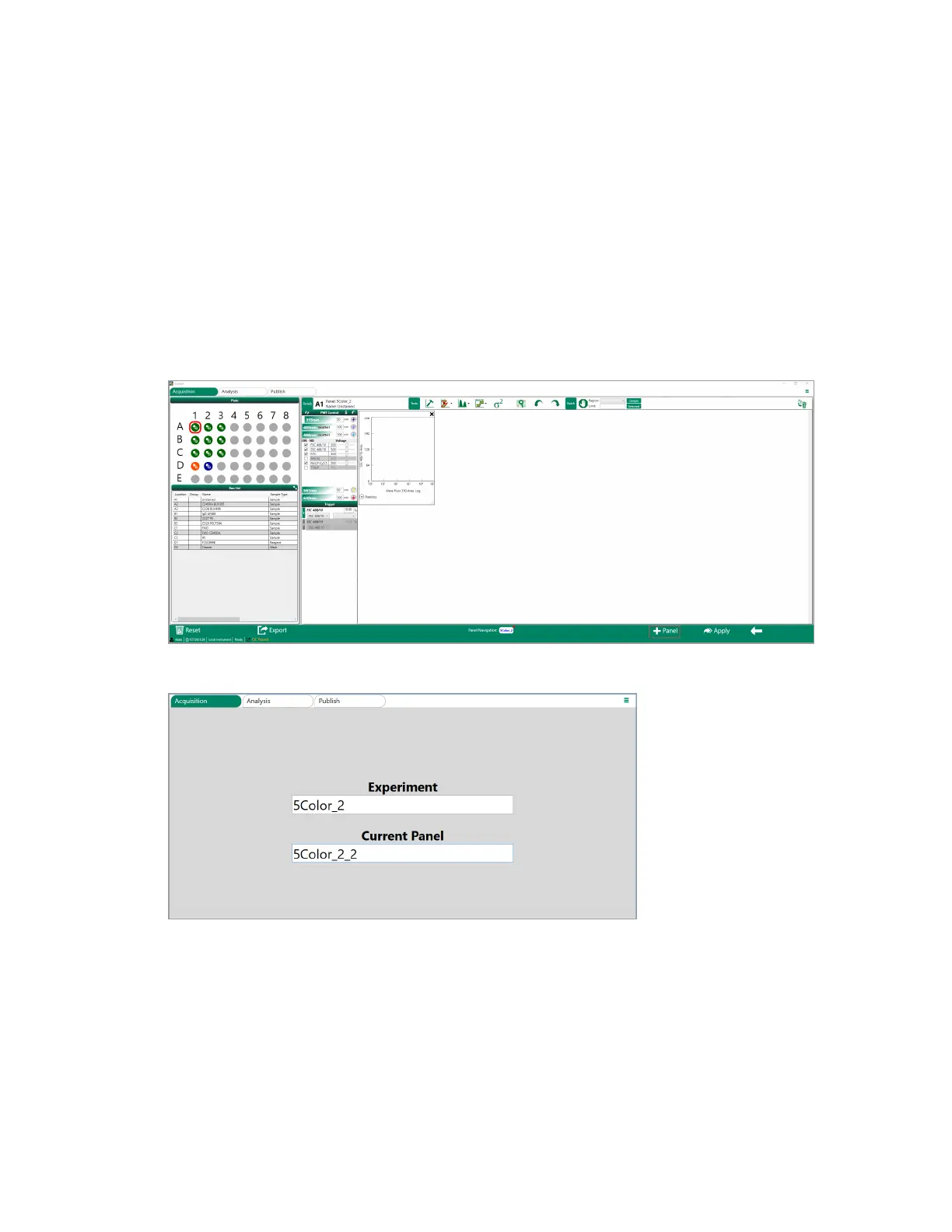
To set up a multiple panels
1. After defining the first panel, click +Panel in the bottom navigation bar in the Settings screen.
2. In the Name screen, type name for the new panel in the Current Panel box.
3. Click the Next arrow to go to the Fluorophores screen.
4. Define a new set of activated parameters and parameter names.
262 | ZE5 Cell Analyzer and Everest Software



 To Next Page