Chapter 6 Daily Routine
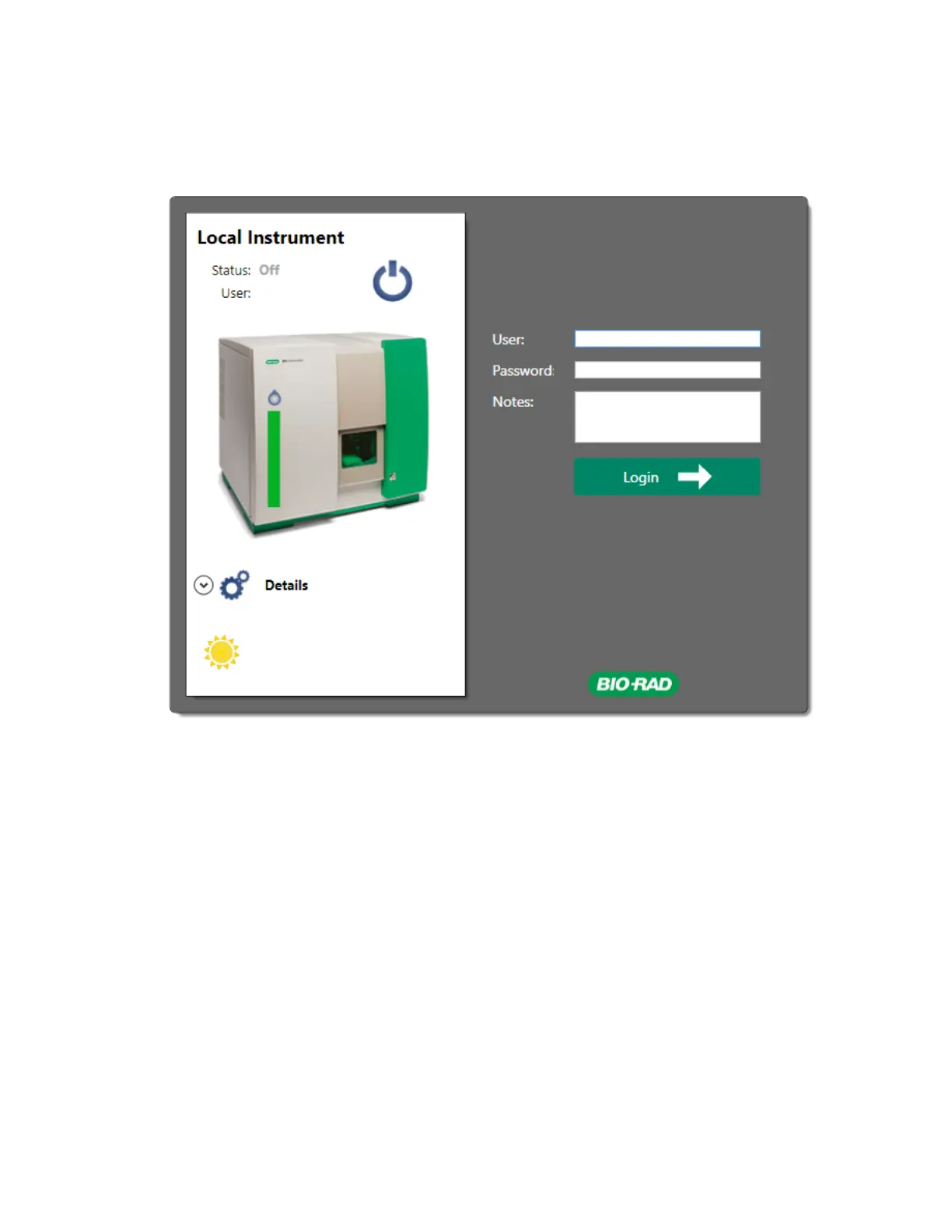
2. (Optional) If needed, add notes in the Notes textbox. User session notes are saved to the user log
and can be viewed by generating administrative user reports. For more information on user
reports, see Generating User Reports on page 318.
3. Click Login.
Note: After you log in, your usage time is recorded in the user database.
Starting Up the System
Before running samples, the instrument must be powered on and Everest Software must perform
system startup. Bio-Rad recommends that you leave the system powered on at all times and that you
perform the shutdown procedure in Everest Software at the end of each day.
Note: In Everest Software, a system status of Off indicates that the ZE5 Cell Analyzer is shut down
but not powered off. If the ZE5 Cell Analyzer is powered off, a Check Instrument message appears
152 | ZE5 Cell Analyzer and Everest Software



 To Next Page