Using Plot and Histogram Tools
6. To remove the annotation, double-click it and press Delete.
Using Plot Ratios
Everest Software allows you to select one parameter as the numerator of a ratio, and a different
parameter as the denominator of the ratio. You can then plot this signal ratio against time; this can be
useful in time-based assays. For more information about time plots, see Creating Time Plots on page
213.
To use a ratio in a time plot
1. Decide which parameter you want to use as the numerator in the ratio, and which parameter you
want to use as the denominator.
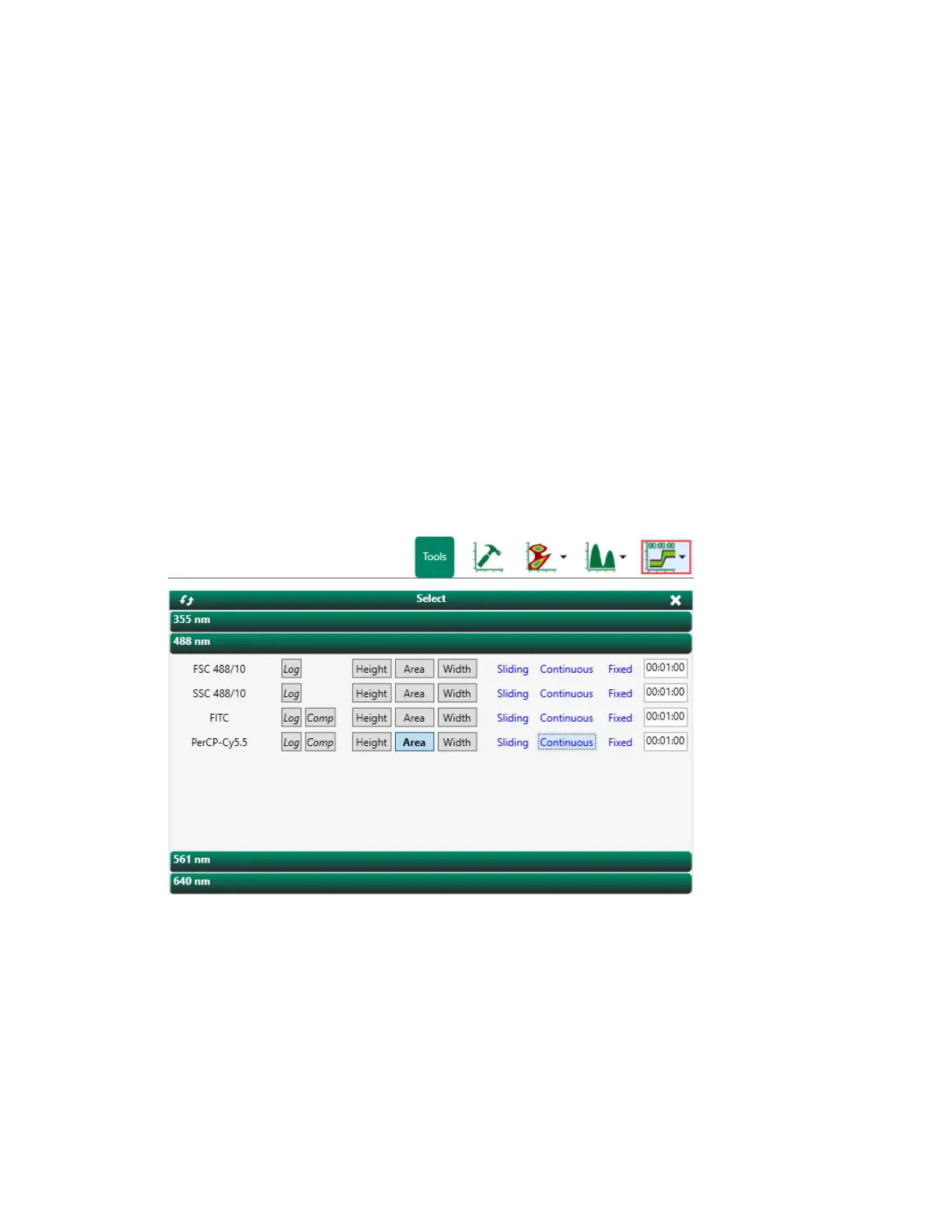
2. Click Create Time Plot in the Settings window toolbar.
3. Specify axis scaling, display of compensated data, pulse measurement, and time range as
needed.
4. Click Modify Plot Parameters in the plot and histogram toolbar for the time plot.
5. Select the Ratio Plot checkbox.
User Guide | 253



 To Next Page