Chapter 10 Analyzing, Saving, and Printing Data
Exporting Data to CSV
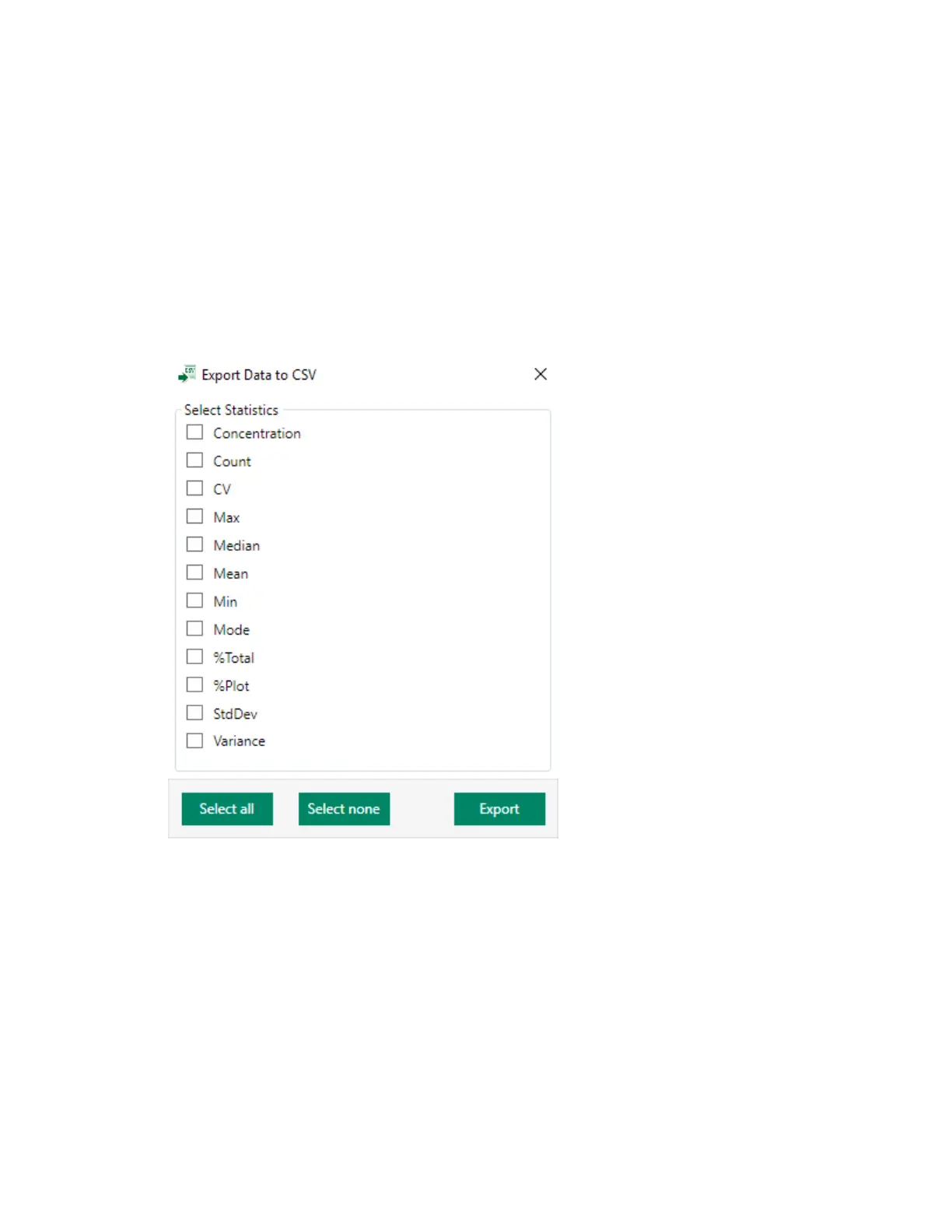
You can export data for all experiment sample positions to a comma-delimited file.
To export data to CSV
1. Click Export CSV in the Share section of the toolbar.
2. Select the checkbox for each statistic that you want to include.
3. Click Export.
4. In the Save As dialog box, click Save.
The data are saved to a CSV file.
For information on exporting data to FCS and RLST files, see Exporting FCS and RLST Data Files on
page 288.
308 | ZE5 Cell Analyzer and Everest Software



 To Next Page