Chapter 7 Creating Experiments and Workspaces
Item Function
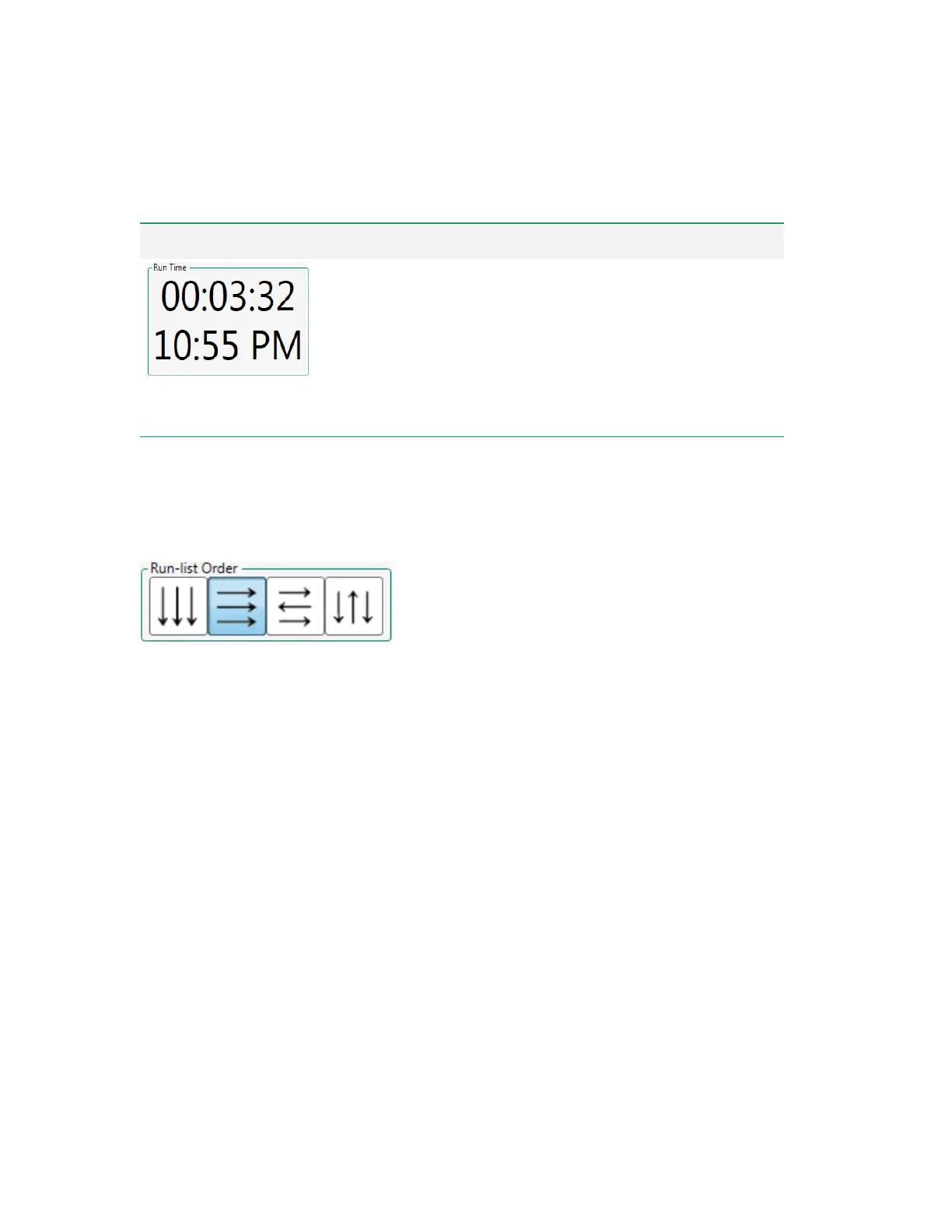
The first row displays the total time required for the run list when volume
limits are chosen.
The second row displays the estimated time at which run list acquisition
would be completed if it were started immediately.
These times are calculated using the settings (such as volume, target flow
rate or event rate, washing, and agitation) currently programmed for the
plate or tube rack. However, event or gate limits are not considered;
maximum volume is always used for the calculations.
Table 34. Plate Settings items and their functions, continued
Setting the Run List Order
You can choose the order in which rows and columns of tubes or wells are sampled.
To set up the run list order
u Click the Run-list Order button that displays the order in which tubes or wells should be sampled.
Note: Ensure that any inserted tube rack or plate is oriented correctly, with position A1 in the
front left corner.
Activating Temperature Control
When temperature control is enabled, the specified temperature applies to all positions in the plate or
tube rack.
To activate temperature control
1. In the Plate Settings area, click the Temperature toggle.
2. Enter the target temperature.
180 | ZE5 Cell Analyzer and Everest Software



 To Next Page