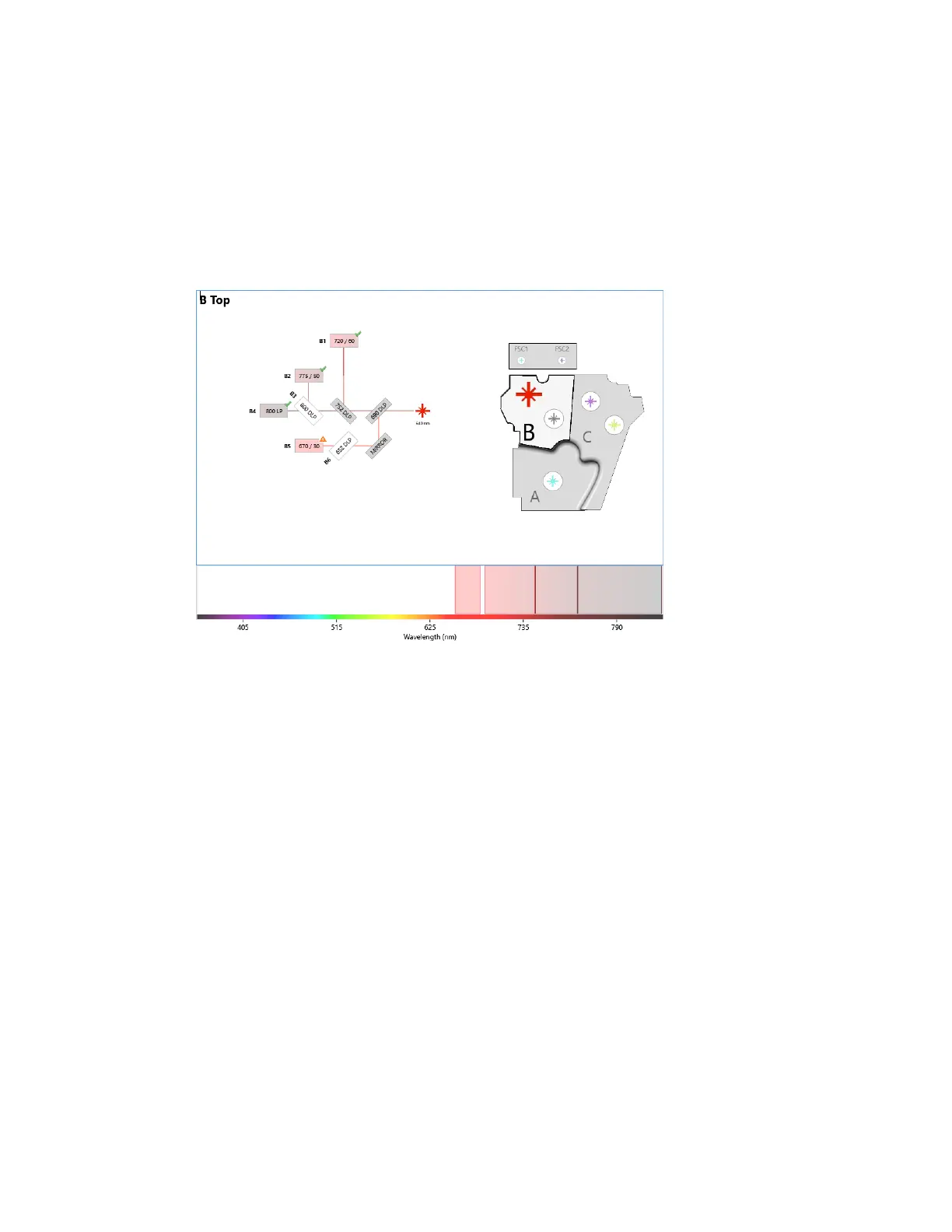
Working with Optical Filter Configurations
n If the voltage change required to center the peak around channel 128 exceeds the value set
in the QC criteria, an error appears in the status bar and an orange triangle with an
exclamation point appears next to the final filter position for the detector. For more
information, see Editing QC Criteria on page 114.
2. To resolve the ZE5-EYE failure, ensure that the correct optical filter is placed in its slot, and edit
the optical filter configuration to reflect this.
Installing a Neutral Density Filter
To alter the range of detection sensitivity of an SSC or fluorescence detector, you can replace a
bandpass filter with a neutral density filter. For more information about neutral density filters, see
Optical Mirror and Filter Types on page 39.
Tip: When handling the filter stick, wear gloves, handle filters by the edges, and be careful not to
touch any filter surfaces.
User Guide | 139



 To Next Page