Chapter 5 Configuring the System
To insert a neutral density filter into a filter stick
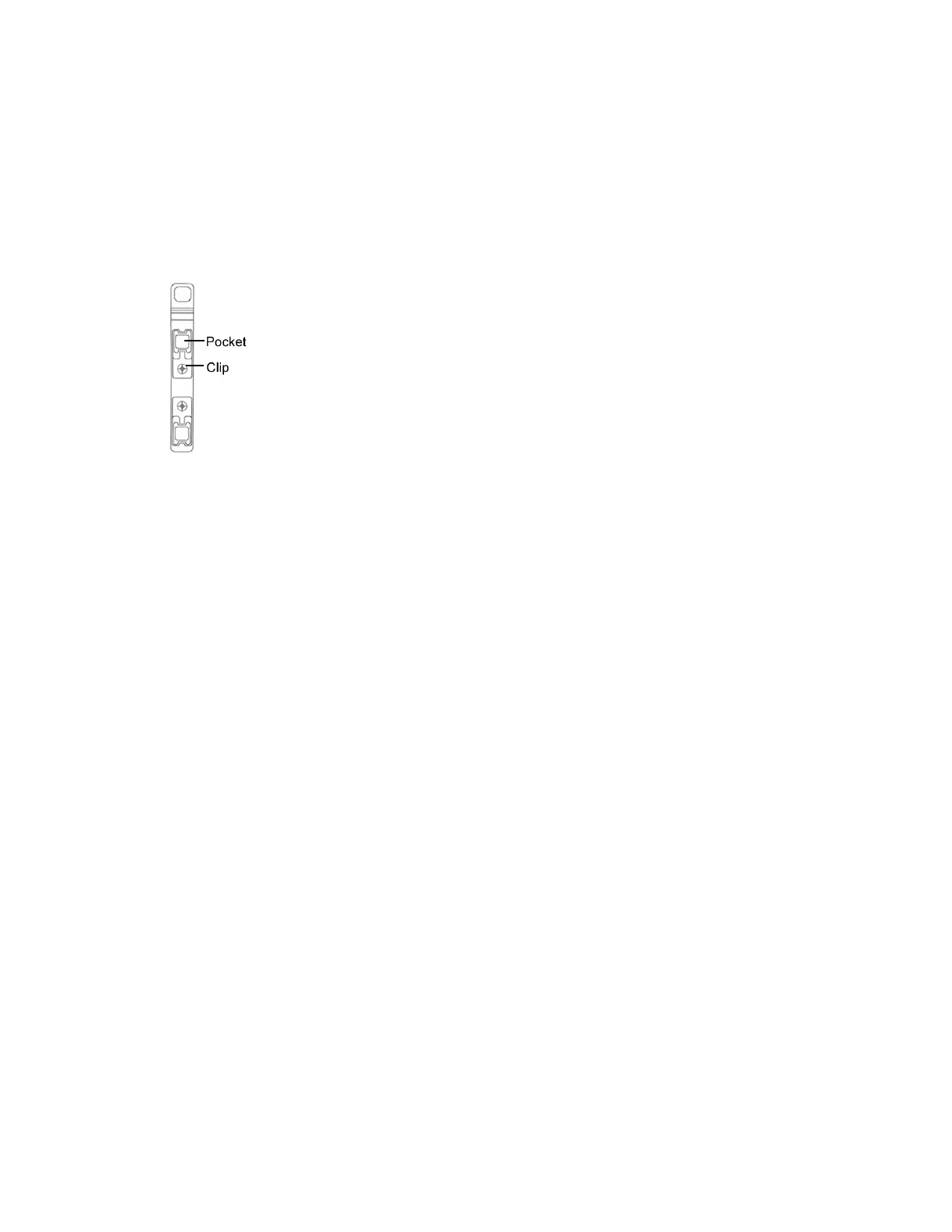
1. Remove the filter stick from the instrument, if needed. See Step 3 on page 131 in the section
Replacing Optical Filters.
2. Remove the metal clip that holds the bandpass filter.
3. Lift the bandpass filter out of the filter pocket.
4. Place the neutral density filter into the pocket.
5. Replace the bandpass filter over the neutral density filter, preserving its original orientation.
6. Re-install the metal clip.
7. Re-insert the filter stick into the instrument.
Note: Installing a neutral density filter causes a reduction in light detection, and can cause the
affected filter position to be flagged by the ZE5-EYE. This ZE5-EYE failure serves as a reminder to
remove the neutral density filter at the end of the experiment that requires it.
For information about using Everest Software to enable and disable the neutral density filters located
in front of the FSC detectors, see PMT and Laser Controls on page 258.
140 | ZE5 Cell Analyzer and Everest Software



 To Next Page