Working with Optical Filter Configurations
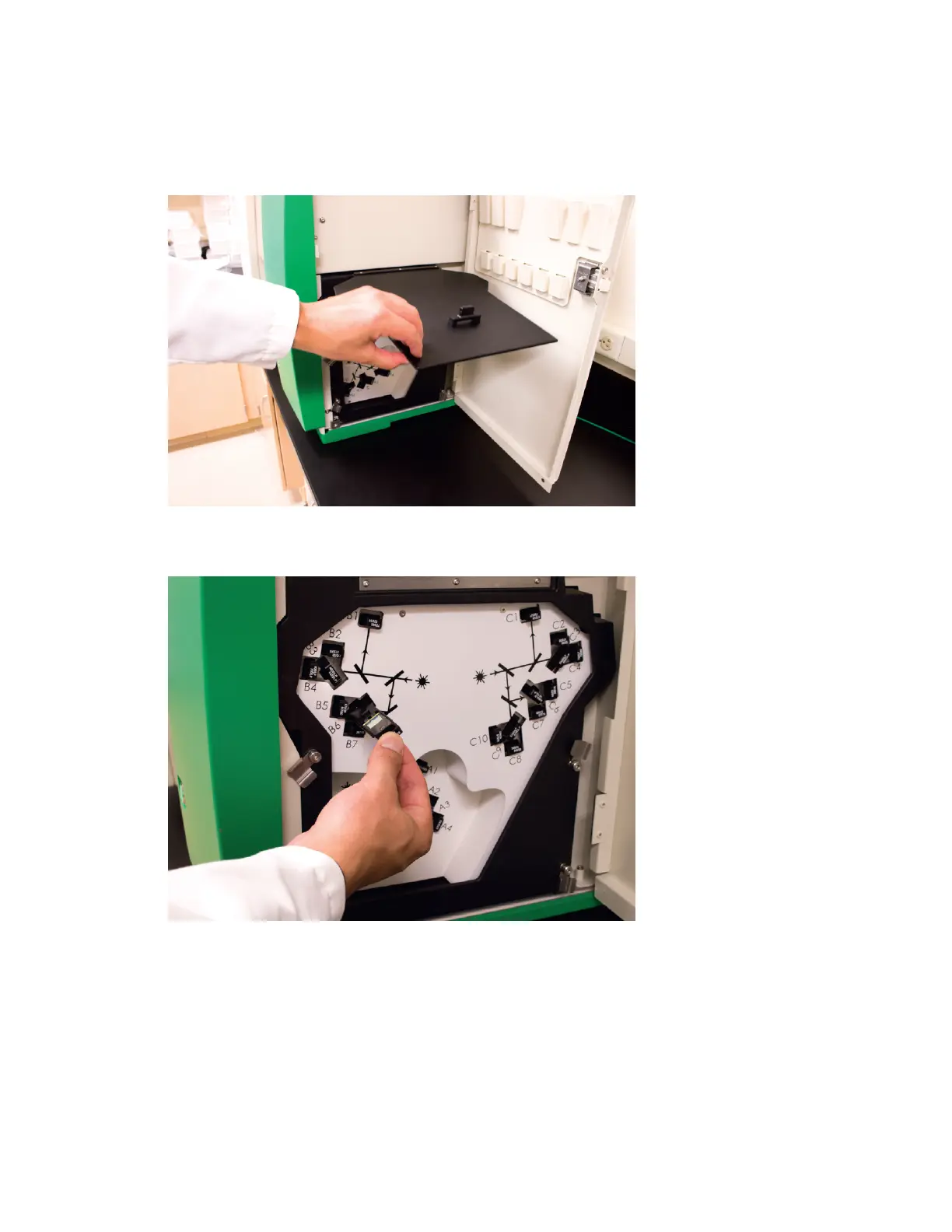
3. Remove existing optical filters by pulling the filter sticks out of their slots in the filter bank, as
shown in the next figure.
4. Insert replacement filter sticks into empty slots as needed.
Tip: Store extra optical filter sticks in the slots in the filter access door.
User Guide | 131



 To Next Page